Open source / MIT Licensev13.5.0

Motion.Production-grade
animation library
for the web.

Free
Completely free to use, MIT licensed and open source.
Production ready
Trusted by Framer and Figma across hundreds of thousands of sites.
Hybrid engine
JavaScript and hardware-accelerated browser APIs in one library.
Built for AI
Agent-compatible documentation, skills and API.
Tiny footprint
APIs up to 90% smaller than their GSAP alternative.

Animations that move.

Create high-performance web animations with Motion's easy-to-use API, from simple transforms to advanced interactive gestures.

01

Independent transforms

Animate x, y, rotate, scale on the same element, without wrappers.

02

Scroll animation

Hardware-accelerated scroll-linked motion via ScrollTimeline.

03

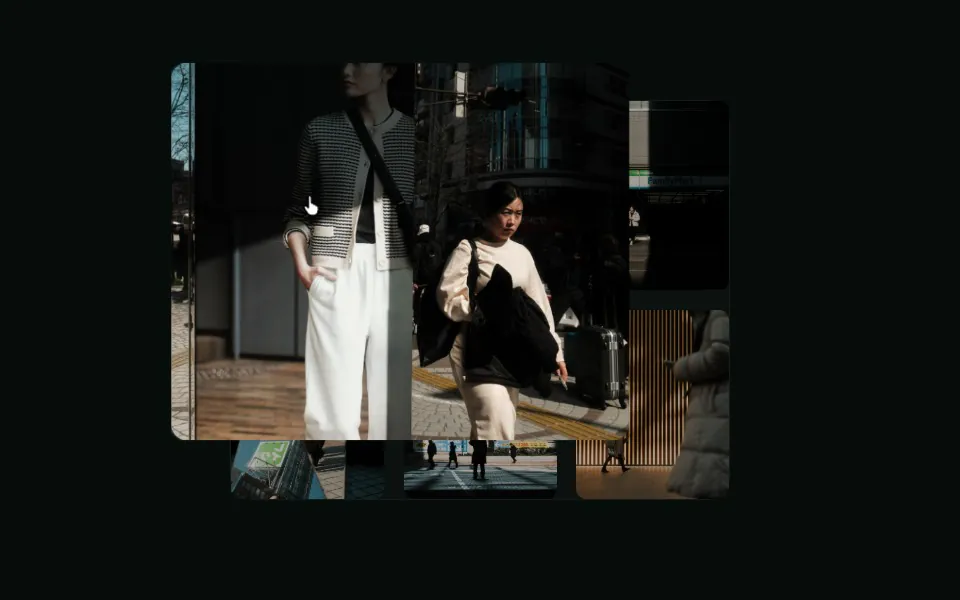
Native gestures

hover, press, and drag that feel native, not bolted on.

04

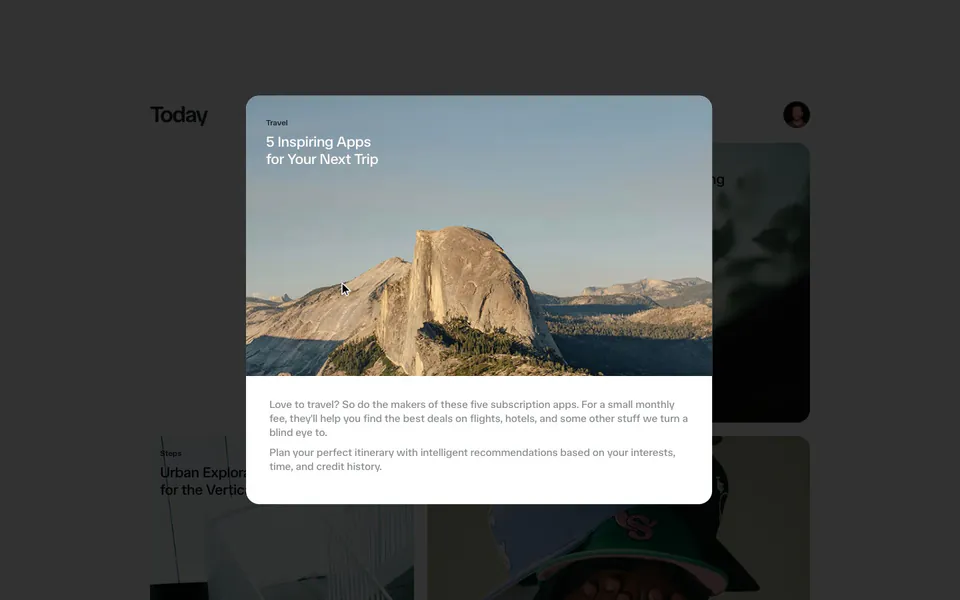
Layout animation

Animate between any two layouts with a single layout prop.

05

Spring physics

Real spring math for animations that naturally react to user input.

06

Exit animation

AnimatePresence keeps elements alive so they can animate as they leave the DOM.

07

Timeline sequences

variants, stagger, and timelines orchestrate complex motion.

08

Motion values

useMotionValue drives animations and derived state in real time.

React & JavaScript animation examples.

Start with 460+ copy and paste examples, from scroll effects and gestures to carousels and typewriter animations.

Documentation for React, JavaScript and Vue.

Choose your runtime and start with the API built for your project.

Give every project a head start.

Equip your agent with specialist Motion context, then build from production-ready animated sections that inherit your design system.

AI Kit

Give your agent specialist Motion judgement.

Send the latest docs, 460+ example sources, performance audits and production-ready CSS springs directly to your agent.

Explore AI Kit

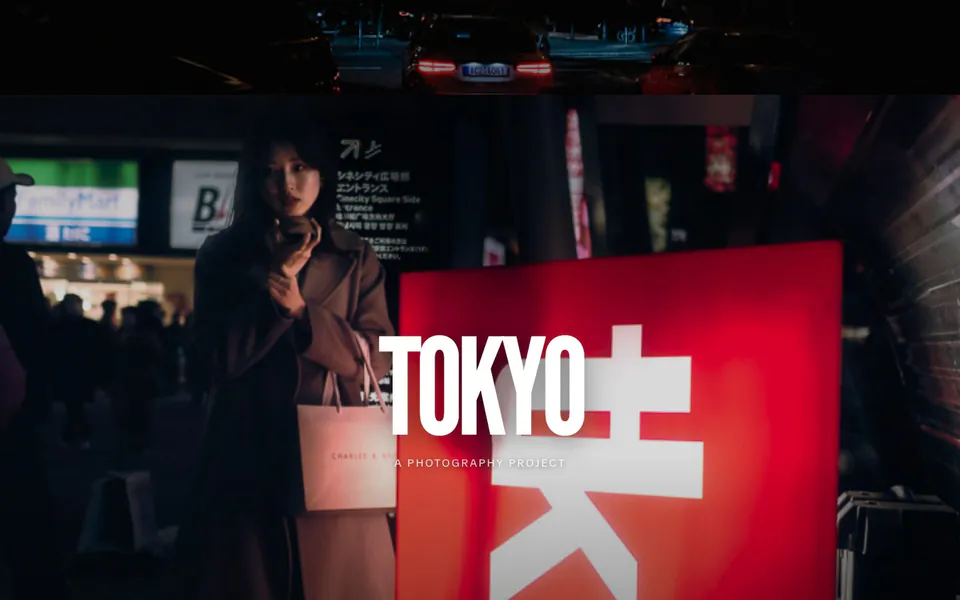
Made with Motion.

Everything's possible with Motion. Here are some of the best creations from the Motion community.

Latest from Motion.

New Motion UI components and examples, release notes and magazine stories from the Motion team.

ChangelogRSS
  1. Motionminor13.5.0

    Added

    • spring: Now accepts negative bounce (0--1) to define overdamped springs.

    Changed

    • <m>: 20% smaller.
    • useSpring: 10% smaller.
    • scroll/useScroll: Use main thread for all offset animations.

    Fixed

    • Ensure warning and error messages are cleaned from production build.
    • Ensure values are never rendered before they've been resolved.
  2. Motion Studiominor2.2.0

    Added

    • Reduced motion mode. A new switch in the Studio panel makes CSS, matchMedia() and useReducedMotion() act as if your system asks for reduced motion. While the panel is open, the page follows the switch, even when your system setting is different. The Studio panel still follows your real setting.
    • Edit a reduced motion version of a single animation or a component. With reduced motion mode on, your edits change only what users who ask for reduced motion see. The full motion animation stays as it is. Sequences, scroll and value animations, and Vue components do not have reduced motion versions yet.
    • Edit existing useReducedMotion() and matchMedia("(prefers-reduced-motion: reduce)") conditions. Studio reads them as reduced motion versions, and Apply writes your edits into the condition that is already there.
    • Disable or enable a track in full motion mode with "Disable animation" and "Enable animation" in its right-click menu. A disabled track goes straight to its end state with no motion, and its row shows at half opacity.
    • In reduced motion mode, "Remove track" and "Delete animation" turn off only the reduced motion version. The full motion animation stays. "Delete animation" removes an animation that runs only for reduced motion. On a sequence or a Vue component, both refuse and change nothing.
    • Copy a reduced motion version into the full motion animation with "Apply to base animation" in the right-click menu. "Reset override" removes the reduced motion version.
    • Create reduced motion versions in one step. In reduced motion mode, when the selection has no reduced motion versions yet, the first chat suggestion, "Adapt for reduced motion", converts every animation in it. The other suggestions in reduced motion mode only remove or shorten motion. Entrances and exits become a short opacity fade (0.3 seconds or less), and an entrance still ends where the full motion animation leaves it. Other movement, such as a hover or a loop, turns off. Opacity, colour, filter and shadow changes stay, and so do delays and staggers. The result arrives as one chat reply, so one undo reverts it and Apply writes the code. On a component, it converts the selected pose. Sequences, scroll and value animations, and Vue components stay as they are.
    • Use "Add animation" in reduced motion mode to make an animation that runs only for reduced motion.
    • With reduced motion mode on, ask Ultramotion or your coding agent for "no motion when reduced". In reduced motion mode, chat edits change only the reduced motion version. With reduced motion mode off, ask it to turn an animation off or on.
    • See a notice once per session when Studio starts in reduced motion mode because your system asks for reduced motion.

    Improved

    • Update the Studio panel to React 19.3.0.
    • Edit each branch of a condition such as open ? { opacity: 1 } : { scale: 0 }, even when the branches animate different properties.

    Fixed

    • Fix a crash that blanked the page when a zero-duration animate() call ran again while the panel was open.
  3. Motionpatch13.4.7

    Changed

    • scroll/useScroll: More offsets are now hardware accelerated via ViewTimeline.

    Fixed

    • animate: Reduced size of Motion Studio introspection call.
    • useTransform: Accelerated values now correctly clamp.
    • scroll/useScroll: Ensure offsets work the same across the JS main thread and ViewTimeline.
    • scroll/useScroll: Remove ScrollTimeline/ViewTimeline observer in favour of main-thread scroll tracking.
  4. Motionpatch13.4.6

    Fixed

    • AnimatePresence: mode="wait" no longer drops new children if exit completes during a React transition.
  5. Motion+major3.0.0

    Changed

    • Requires motion@^13.0.0.
    • motion is now a peer dependency of motion-plus and motion-plus-dom, so it must be explicitly installed alongside them.

Trusted by the world's leading teams.

Motion is deployed and sponsored by the best teams in the industry, powering UI animations across millions of sites.

Animation guides and examples.

Go straight to popular techniques, comparisons and production-ready starting points.

Tools for the full animation workflow.

Build faster, check performance and move from an idea to production.

  1. AI KitGive your agent specialist Motion skills.
  2. Motion UIProduction-ready animated sections for your design system.
  3. CSS StudioVisually edit the CSS in your existing project.
  4. MotionScoreFind and fix animation performance issues.