<script setup lang="ts">
import { AnimateView, spring, startTransition } from 'motion-v'
import { Shuffle } from 'lucide-vue-next'
import { ref } from 'vue'

const COLORS = [
  '#ff0088',
  '#dd00ee',
  '#9911ff',
  '#1e75f7',
  '#0cdcf7',
  '#8df0cc',
  '#ffaa00',
  '#00cc88',
]

const LABELS = [
  'animate',
  'spring',
  'stagger',
  'inView',
  'scroll',
  'hover',
  'press',
  'drag',
]

const items = ref(
  LABELS.map((label, i) => ({
    id: i,
    label,
    color: COLORS[i % COLORS.length],
  })),
)

const springTransition = {
  type: spring,
  visualDuration: 0.3,
  bounce: 0.2,
}

function shuffle() {
  startTransition(() => {
    items.value = [...items.value].sort(() => Math.random() - 0.5)
  })
}
</script>

<template>
  <div class="reorder-example">
    <button
      class="shuffle-button"
      @click="shuffle"
    >
      <Shuffle :size="16" />
      Shuffle
    </button>
    <div class="item-list">
      <AnimateView
        v-for="item in items"
        :key="item.id"
        :transition="springTransition"
      >
        <div class="item">
          <span
            class="item-accent"
            :style="{ backgroundColor: item.color }"
          />
          <span class="item-label">{{ item.label }}</span>
        </div>
      </AnimateView>
    </div>
  </div>
</template>

<style>
#sandbox {
  justify-content: center;
}
</style>

<style scoped>
.reorder-example {
  width: 100%;
  max-width: 340px;
  padding: 16px;
  background-color: var(--layer);
  border-radius: 16px;
  border: 1px solid var(--border);
  display: flex;
  flex-direction: column;
  gap: 16px;
}

.shuffle-button {
  align-self: center;
  padding: 8px 24px;
  background-color: var(--accent);
  color: var(--black);
  border: none;
  border-radius: 8px;
  font-size: 14px;
  font-weight: 600;
  cursor: pointer;
  display: flex;
  align-items: center;
  gap: 6px;
}

.shuffle-button:hover {
  opacity: 0.9;
}

.item-list {
  display: grid;
  grid-template-columns: 1fr 1fr;
  gap: 8px;
}

.item {
  display: flex;
  align-items: center;
  gap: 12px;
  padding: 10px 14px;
  background-color: rgba(255, 255, 255, 0.05);
  border-radius: 10px;
}

.item-accent {
  width: 4px;
  height: 20px;
  border-radius: 2px;
  flex-shrink: 0;
}

.item-label {
  font-size: 14px;
  font-weight: 500;
  font-family: var(--font-mono);
  color: var(--white);
}
</style>

 AnimateView: App Store
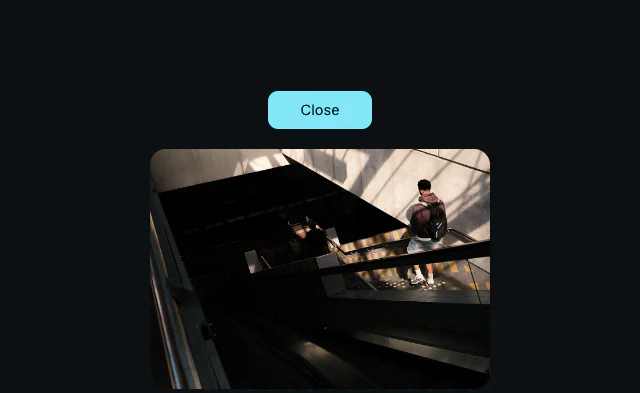 AnimateView: Clip path
 AnimateView: Skeleton