Introduction
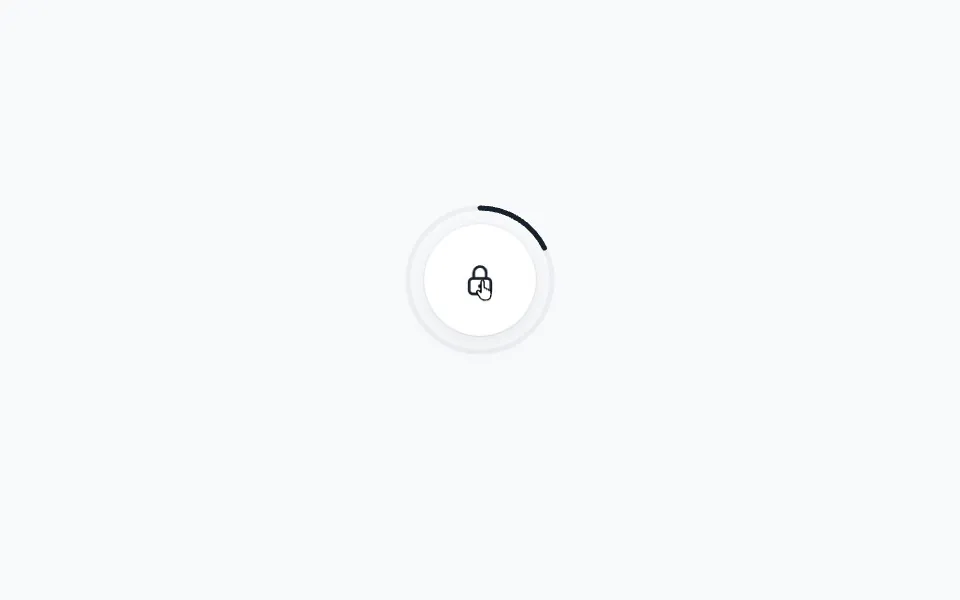
The Ripple example shows how to create an expanding ripple loading animation. Three circles scale outward while fading, creating a continuous pulsing effect that's perfect for loading indicators.
This example uses the animate function with the stagger function to automatically delay each ripple, creating a continuous wave effect.
Get started
Let's start with the basic HTML structure:
<div class="container">
    <div class="ripple-container">
        <div class="ripple"></div>
        <div class="ripple"></div>
        <div class="ripple"></div>
    </div>
</div>

<style>
    .container {
        display: flex;
        justify-content: center;
        align-items: center;
    }

    .ripple-container {
        position: relative;
        width: 100px;
        height: 100px;
    }

    .ripple {
        position: absolute;
        top: 0;
        left: 0;
        right: 0;
        bottom: 0;
        border-radius: 50%;
        border: 5px solid var(--hue-1);
        will-change: transform, opacity;
        opacity: 0;
    }
</style>
The ripples are positioned absolutely so they stack on top of each other.