How to add cmd-k search shortcut to your Framer site
By default, the Framer Search component doesn't support the cmd-k keyboard shortcut. Here's how to add it to your Framer site.

On the old Framer Motion docs, the top request from visitors was search functionality. When making the new Motion homepage I knew that search was a must-have. The new site is built with Framer, so adding search is as simple as a drag and drop.
No more excuses.
So I dragged and dropped, and patted myself on the back thinking that would be the end of it.
But no. Now, I'm getting Github issues, Twitter DMs, emails, all asking for a cmd-k keyboard shortcut.
This is a keyboard shortcut I've never used or noticed, I had no idea this was a thing! Apparently it's very popular.
But now, if you hit cmd-k or ctrl-k now, you'll notice our search will open. Framer's search functionality doesn't support this out the box, so there's a little hackery involved.
First, you want to wrap your Search component with a layer named something unique, like "Search Container".
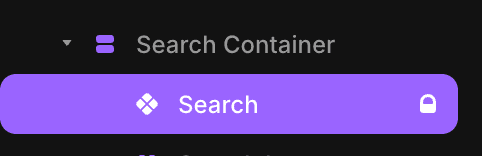
Framer will output this label via the data-framer-name attribute.
Next, we want to go to our Custom Code section in the site settings.
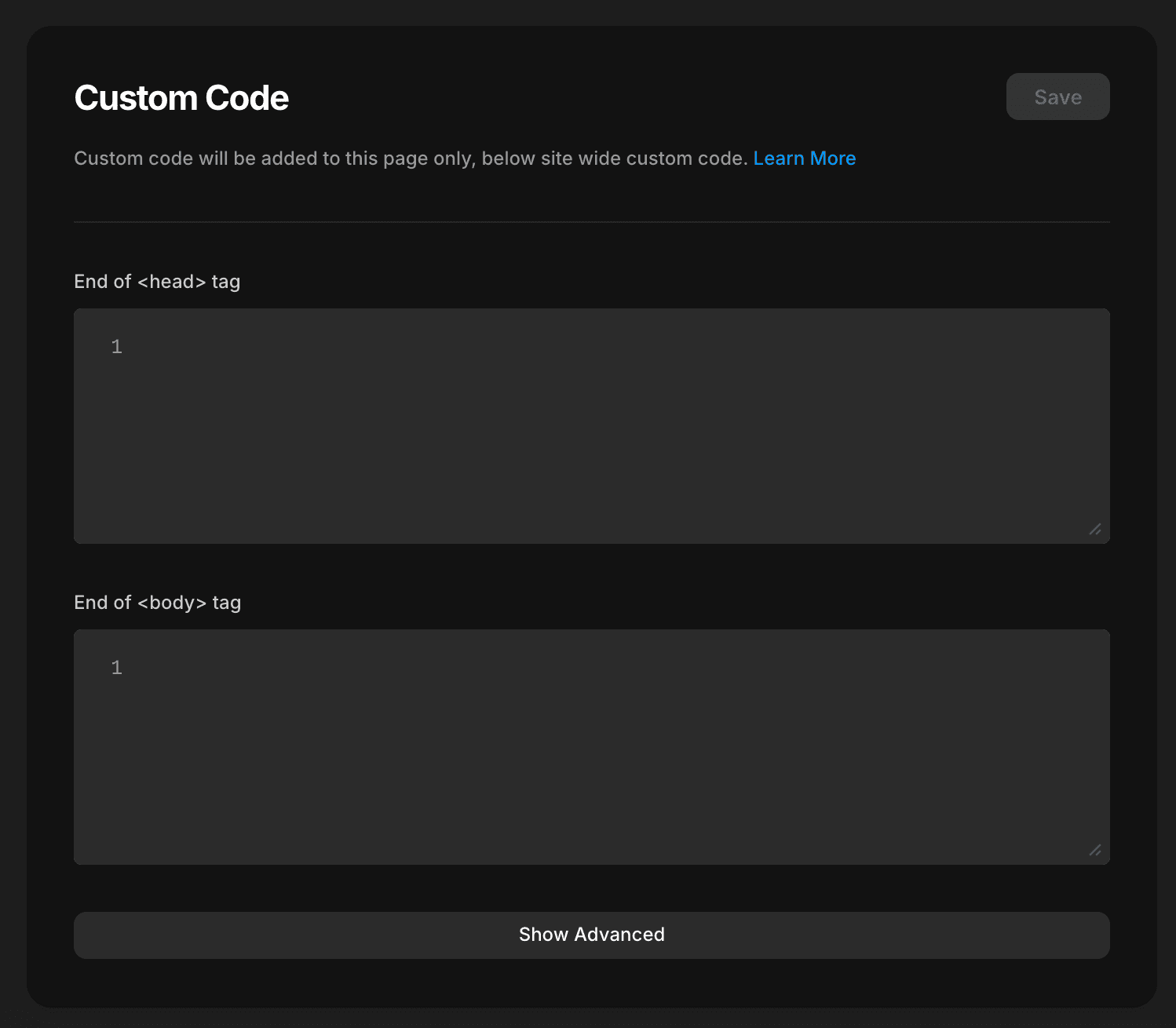
In the "End of <body> tag" section, add the following script. It will add an event listener to the page that listens for the cmd-k shortcut, and simulates a click on the search button.
<script>
document.addEventListener('keydown', (event) => {
  if (event.metaKey && event.key === 'k') {
    event.preventDefault()
    const searchButton = document.querySelector('[data-framer-name="Search Container"] button')
    if (searchButton) searchButton.click()
  }
})
</script>
Naughty? Probably. But hey, enjoy the shortcut 😅