











Premium Motion UI components
Accessible, beautiful components that adopt to your existing design with CSS, AI or shadcn.
Explore Motion UIFrom beginners to experts, Motion+ helps you ship animations that look great and perform even better. Components, examples, tutorials, visual editing, and our powerful AI Kit.
Learn moreOne membership for every tool. Use them together, or start with the one your project needs today.
Accessible, beautiful components that adopt to your existing design with CSS, AI or shadcn.
Explore Motion UIA trove of performance-graded examples and tutorials for React, JavaScript and Vue. Adapt to your site with one click.
Browse the examplesGive your agent the latest docs, the full examples vault, and access to Motion UI, before it writes an animation.
About AI KitThe Performance Doctor skill finds and fixes slow animations via code analysis and local runtime audits.
About Performance DoctorTune timing, easing and springs on a visual timeline editor directly in your real website, then send changes to your local coding agent to implement with one click.
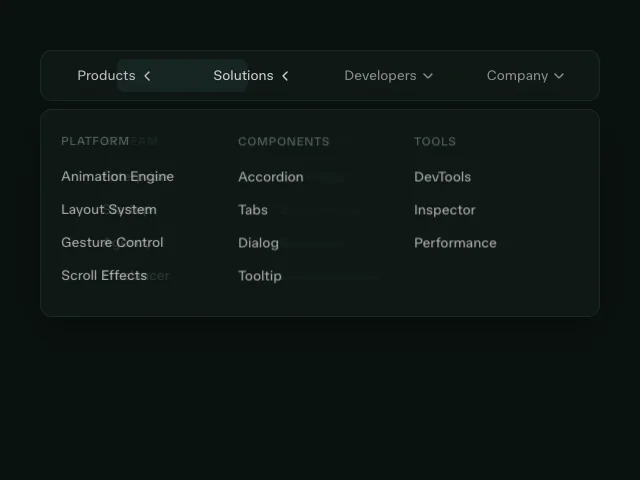
Each Motion UI component is accessible, adapts to your design system and installs with one command.
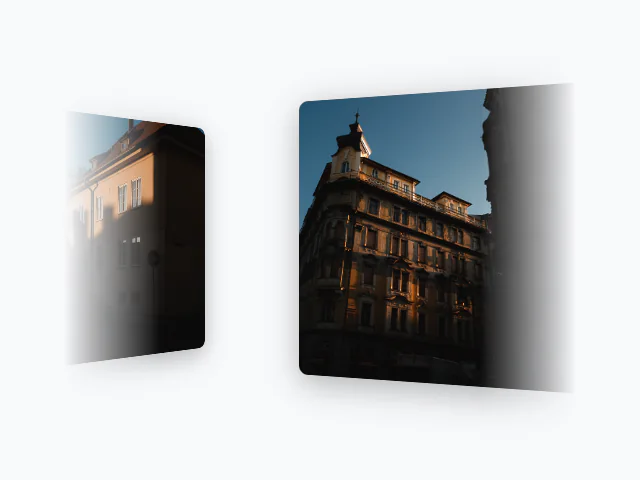
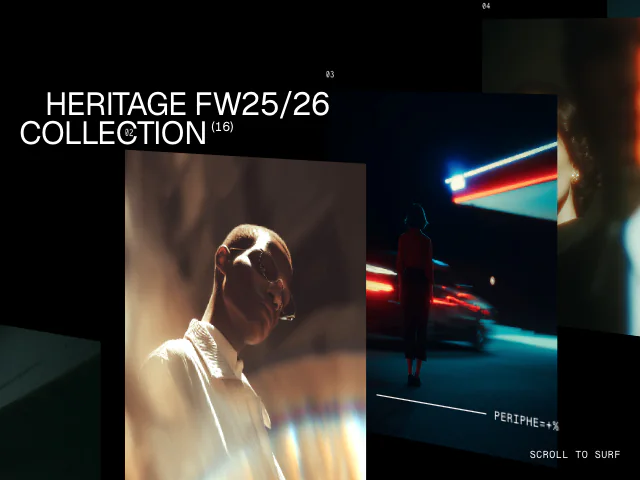
ShowcaseGallery
Motion+ exclusive“The detailed examples and premium components in Motion+ cut my dev time in half. Incredible value, and a steady stream of feature-rich updates!”

“Motion+ is my favorite library for transforming a UI from 'good' to 'excellent'. Its user-friendly API makes it remarkably easy to bring any UI to a whole new level of refinement and interactivity.”

“Motion+ has been a go-to reference for me whenever I'm building UI. The attention to detail on each of their components is world-class.”

“Ticker and splitText being robust first-party replacements to our existing custom utilities meant that we could forget the maintenance overhead and just focus on building.”

“The Motion+ examples and components made implementing advanced UI elements like carousels, tabs, and modals effortless, streamlining my workflow and saving development time.”

“Motion+ helped me learn by doing. I love the "Edit with AI" button and step by step tutorials. Motion+ has provided instant value to my workflow.”

“As a designer, I always felt like great motion tools were out of reach. Motion+, with its Discord community, is by far the best jumping off point for anyone looking to level up their interactive designs.”

“The examples provide a great starting point for common animations. A huge time-saver and well worth the money. And if you're stuck? The Discord community has got your back.”

“Motion+ accelerates my development cycle. Its curated component library and flexible primitives let me craft polished, purposeful interfaces without sacrificing speed or design integrity.”

“Loving Motion+, really great resource. Worth the $!”

The optional Pro add-on subscription enables live tools like Ultramotion, our super fast animation editing agent, and Performance Guard, which lets you ship animations with confidence.
Describe a change and Ultramotion edits the animation in Motion Studio, with instant preview. Built on Jev for edits up to 10x faster than an LLM.
About Motion StudioMotion Performance Guard runs an animation profile against every pull request, on the pages you specify, and fails the build when any drop below the grade you set.
Coming NovemberShow your support for Motion. Fill in your Motion+ profile for your name, avatar and link to appear in the thank you section at the bottom of every docs page.
…once
The complete toolkit. Pay once for each developer, keep it forever.
Included
With Motion+ Pro
Hosted tools for faster building and confident shipping. Add now or any time later.
Compare the open-source library, the complete Motion+ toolkit, and Motion+ with Pro’s hosted tools.
| MotionFree | Motion+… once | Motion+ Pro+… / year on top of Motion+ | |
|---|---|---|---|
| Motion | |||
| Open-source animation library | Included | Included | Included |
| Motion UI | |||
| Production-ready animated sections | Not included | 50 sections | 50 sections |
| Gallery | Not included | Included | Included |
| Carousel | Not included | Included | Included |
| Ticker | Not included | Included | Included |
| Cursor | Not included | Included | Included |
| AnimateNumber | Not included | Included | Included |
| AnimateText | Not included | Included | Included |
| Typewriter | Not included | Included | Included |
| ScrambleText | Not included | Included | Included |
| AnimateView | Not included | Included | Included |
| AnimateActivity (early access) | Not included | Included | Included |
| Curtains | Not included | Included | Included |
| splitText | Not included | Included | Included |
| shadcn installation | Not included | Included | Included |
| AI Kit installation | Not included | Included | Included |
| Motion Examples | |||
| Example source code | Basics | 510+ | 510+ |
| Tutorials | Basics | 110+ | 110+ |
| Motion AI Kit | |||
| Motion best practises | Included | Included | Included |
| Docs search | Included | Included | Included |
| Examples search | Not included | Included | Included |
| CSS spring generation | Not included | Included | Included |
| MCP transition editor | Not included | Included | Included |
| Performance | |||
| Performance Doctor | Not included | Included | Included |
| Performance Guard | Not included | Not included | Included |
| Motion Studio | |||
| Visual editor | Included | Included | Included |
| Apply to code with local agent | Not included | Included | Included |
| Edit with local agent | Not included | Included | Included |
| Edit with Ultramotion | Not included | Not included | Included |
| Motion+ membership | |||
| Early access | Not included | Included | Included |
| Private Discord | Not included | Included | Included |
| Private GitHub | Not included | Included | Included |
| Appear in "Supported by" sections | Not included | Not included | Included |
| Install Motion | Choose Pro | ||
| Question | Answer |
|---|---|
| What does lifetime access cover? | One payment covers every Motion+ example, Motion UI component and section, Motion Studio visual editing and AI Kit, with all future updates to them. It does not cover Motion+ Pro, the yearly plan for hosted tools. Teams of two or more are on a yearly plan instead, which includes Pro. |
| How do seats work? | One developer pays once. For two or more, choose the number of seats and the team is billed yearly per person, with Pro on every seat. The purchasing account becomes the team lead and can assign, remove and reassign seats from the team dashboard. |
| Can I use Motion+ for client and commercial projects? | Yes. Motion+ APIs and examples are licensed under MIT, so once you've added code to your site, it's yours forever. If your product effectively resells Motion+ capabilities to your users, you'll need a Builder's Licence. Contact us for details. |
| Do I need an AI agent? | No. You can install components, copy example source and edit in Motion Studio by hand. AI Kit is there if you want your coding agent to find and adapt Motion sources for you. |
| Can I add Pro later? | Yes. Add Pro when you buy Motion+, or at any time after from your account. It runs yearly from the day you add it. |
| What happens if I cancel Pro? | Pro’s hosted tools stop at the end of the paid year. Your Motion+ lifetime access, and everything you have already added to your projects, stays forever, and you continue to receive updates to Motion UI, Motion AI Kit, Motion Studio, and Motion Examples. |
| Do you offer PPP or student discounts? | Yes. Student discounts in some countries and PPP in others. Send proof of residence or student ID to support@motion.dev for a discount code. |
| What is your refund policy? | Contact support@motion.dev for a full refund within 14 days of purchase, as long as you haven't yet linked GitHub or accessed the source code. |