<nav class="container">
    <ul>
        <li class="selected">
            <div
                class="selected-indicator"
                data-layout-id="selected-indicator"
            ></div>
            <button>Home</button>
        </li>
        <li>
            <button>React</button>
        </li>
        <li>
            <button>Vue</button>
        </li>
        <li>
            <button>Svelte</button>
        </li>
    </ul>
</nav>

<script type="module">
    import { animateLayout } from "motion"
    import { press } from "motion-dom"

    let selectedIndex = 0
    const tabs = document.querySelectorAll(".container li")

    tabs.forEach((tab, index) => {
        press(tab.querySelector("button"), async () => {
            if (index === selectedIndex) return

            const oldIndex = selectedIndex
            selectedIndex = index

            await animateLayout(
                ".container",
                () => {
                    // Remove indicator from old tab
                    tabs[oldIndex].classList.remove("selected")
                    tabs[oldIndex]
                        .querySelector(".selected-indicator")
                        ?.remove()

                    // Add indicator to new tab
                    tabs[index].classList.add("selected")
                    const indicator = document.createElement("div")
                    indicator.className = "selected-indicator"
                    indicator.dataset.layoutId = "selected-indicator"
                    tabs[index].insertBefore(indicator, tabs[index].firstChild)
                },
                { duration: 0.3, ease: [0.4, 0, 0.2, 1] }
            )
        })
    })
</script>

<style>
    .container {
        background-color: var(--layer);
        border-radius: 10px;
        border: 1px solid var(--border);
        padding: 5px;
    }

    .container ul {
        display: flex;
        gap: 5px;
        flex-direction: row;
        align-items: center;
        justify-content: center;
        list-style: none;
        padding: 0;
        margin: 0;
    }

    .container li {
        color: var(--white);
        position: relative;
    }

    .container .selected-indicator {
        background-color: var(--hue-1);
        position: absolute;
        top: 0;
        left: 0;
        bottom: 0;
        right: 0;
        z-index: 1;
        border-radius: 5px;
    }

    .container button {
        z-index: 2;
        position: relative;
        cursor: pointer;
        padding: 10px 14px;
        border-radius: 5px;
        background: none;
        border: none;
        color: inherit;
        font: inherit;
    }

    .container button:focus-visible {
        background-color: var(--accent-transparent);
    }
</style>

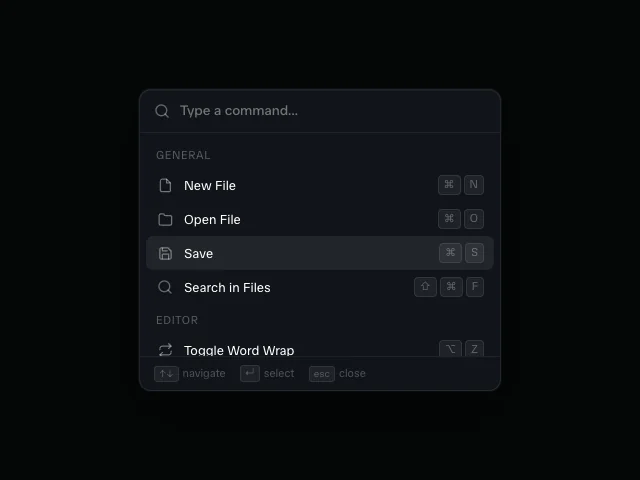 Command Palette
 Context Menu
 Floating Action Button