Documentation

Documentation

Layout animations

This feature is available with Motion+

This feature is available with Motion+

This feature is available with Motion+

Checking Motion+ status…

Unlocks for everyone in

332 Days 14 Hours 10 Minutes

Or

One-time payment, lifetime updates

Already joined?

Checking Motion+ status…

Unlocks for everyone in

332 Days 14 Hours 10 Minutes

Or

One-time payment, lifetime updates

Already joined?

Checking Motion+ status…

Unlocks for everyone in

332 Days 14 Hours 10 Minutes

Or

One-time payment, lifetime updates

Already joined?

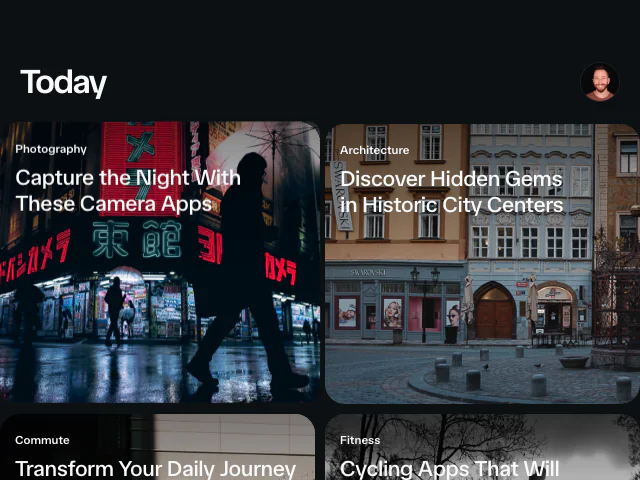
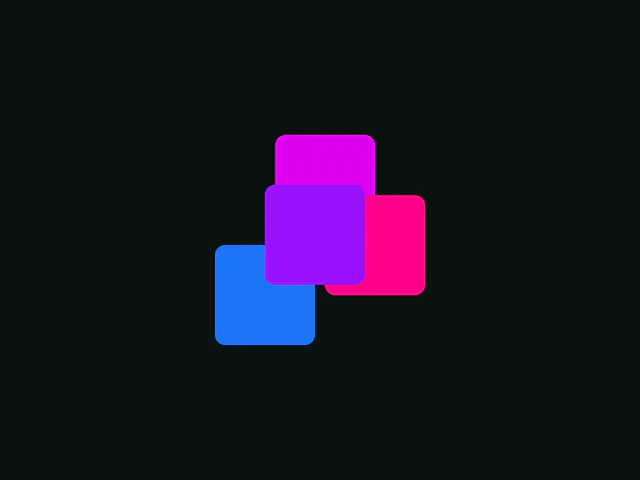
Motion makes it simple to animate an element's size and position between different layouts. With animateLayout and the data-layout prop, you can perform layout animations, and by using data-layout-id you can create seamless "magic motion" effects between two separate elements.

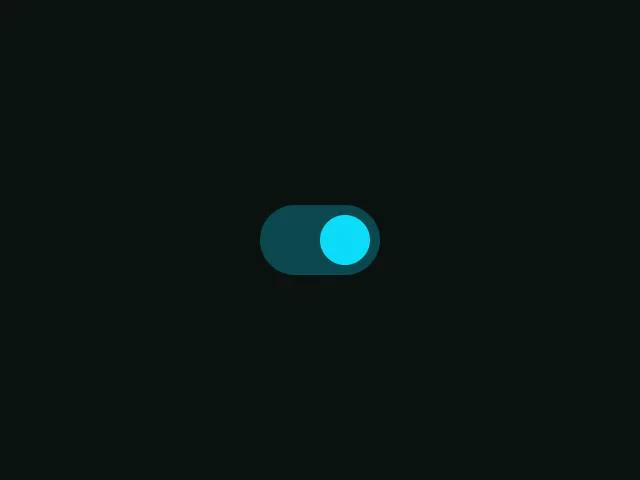
Layout animations can animate previously unanimatable CSS values, like switching justify-content between flex-start and flex-end.

animateLayout(() => {
  element.style.justifyContent = isOn ? "flex-start" : "flex-end"
})
animateLayout(() => {
  element.style.justifyContent = isOn ? "flex-start" : "flex-end"
})
animateLayout(() => {
  element.style.justifyContent = isOn ? "flex-start" : "flex-end"
})

Install

animateLayout is in early access. You need to be a Motion+ member to install.

First, add the motion-plus package to your project using your private token.

npm install "https://api.motion.dev/registry.tgz?package=motion-plus&version=2.6.1&token=YOUR_AUTH_TOKEN"

Once installed, animateLayout can be imported via motion-plus/animate-layout.

animateLayout requires motion@12.29.2 or above.

Once out of alpha, animateLayout will be imported from the main "motion" package.

Once out of alpha, animateLayout will be imported from the main "motion" package.

Once out of alpha, animateLayout will be imported from the main "motion" package.

Usage

Import animateLayout from "motion-plus/animate-layout".

import { unstable_animateLayout as animateLayout } from "motion-plus/animate-layout"

Wrap any layout change with animateLayout:

animateLayout(() => {
  document.getElementById("box").style.width = "500px"
})
animateLayout(() => {
  document.getElementById("box").style.width = "500px"
})
animateLayout(() => {
  document.getElementById("box").style.width = "500px"
})

Any elements tagged with a data-layout will animate to their new size and position.

<div id="toggle-handle" data-layout />

Configure transitions

Pass a Motion transition to animateLayout to configure the animation.

animateLayout(update, { type: "spring" })

Scope layout animations

We can scope layout animations to a specific part of a page by passing a selector or element(s) as the first argument:

// Either as a selector
animateLayout(".container", update)

// Or an element/element list
const container = document.getElementById("#container")
animateLayout(container, update)
// Either as a selector
animateLayout(".container", update)

// Or an element/element list
const container = document.getElementById("#container")
animateLayout(container, update)
// Either as a selector
animateLayout(".container", update)

// Or an element/element list
const container = document.getElementById("#container")
animateLayout(container, update)

Shared element transitions

It's possible to animate from one element to another different element by removing an existing element and then adding a new element to the DOM with matching data-layout-id attributes:

<ul class="tabs">
  <li>
    First
    <div data-layout-id="underline" class="underline"></div>
  </li>
  <li>Second</li>
  <li>Third</li>
</ul>
<ul class="tabs">
  <li>
    First
    <div data-layout-id="underline" class="underline"></div>
  </li>
  <li>Second</li>
  <li>Third</li>
</ul>
<ul class="tabs">
  <li>
    First
    <div data-layout-id="underline" class="underline"></div>
  </li>
  <li>Second</li>
  <li>Third</li>
</ul>
const firstItem = document.querySelector(".tabs li:first-child")
const underline = firstItem.querySelector("[data-layout-id='underline']")
underline.remove()
 
 // Add underline to second item
const secondItem = document.querySelector(".tabs li:nth-child(2)")
const newUnderline = document.createElement("div")
newUnderline.setAttribute("data-layout-id", "underline")
newUnderline.className = "underline"
secondItem.appendChild(newUnderline)
const firstItem = document.querySelector(".tabs li:first-child")
const underline = firstItem.querySelector("[data-layout-id='underline']")
underline.remove()
 
 // Add underline to second item
const secondItem = document.querySelector(".tabs li:nth-child(2)")
const newUnderline = document.createElement("div")
newUnderline.setAttribute("data-layout-id", "underline")
newUnderline.className = "underline"
secondItem.appendChild(newUnderline)
const firstItem = document.querySelector(".tabs li:first-child")
const underline = firstItem.querySelector("[data-layout-id='underline']")
underline.remove()
 
 // Add underline to second item
const secondItem = document.querySelector(".tabs li:nth-child(2)")
const newUnderline = document.createElement("div")
newUnderline.setAttribute("data-layout-id", "underline")
newUnderline.className = "underline"
secondItem.appendChild(newUnderline)

Crossfade

You can also crossfade between two elements with matching data-layout-id attributes by leaving the initial element in the DOM.

<div class="cards">
  <div data-layout-id="card-1" class="card">
    <h3>Card Title</h3>
  </div>
</div>
<div class="modal-container"></div>
<div class="cards">
  <div data-layout-id="card-1" class="card">
    <h3>Card Title</h3>
  </div>
</div>
<div class="modal-container"></div>
<div class="cards">
  <div data-layout-id="card-1" class="card">
    <h3>Card Title</h3>
  </div>
</div>
<div class="modal-container"></div>
animateLayout(() => {
  container.innerHTML = expandedView
  // Add expanded version to modal container
  const modalContainer = document.querySelector(".modal-container")
  modalContainer.innerHTML = `
    <div data-layout-id="card-1" class="modal">
      <h3>Card Title</h3>
      <p>Expanded content...</p>
    </div>
  `
})
animateLayout(() => {
  container.innerHTML = expandedView
  // Add expanded version to modal container
  const modalContainer = document.querySelector(".modal-container")
  modalContainer.innerHTML = `
    <div data-layout-id="card-1" class="modal">
      <h3>Card Title</h3>
      <p>Expanded content...</p>
    </div>
  `
})
animateLayout(() => {
  container.innerHTML = expandedView
  // Add expanded version to modal container
  const modalContainer = document.querySelector(".modal-container")
  modalContainer.innerHTML = `
    <div data-layout-id="card-1" class="modal">
      <h3>Card Title</h3>
      <p>Expanded content...</p>
    </div>
  `
})

In the React version of layout animations, we can also crossfade back to the original element by removing the new element using <AnimatePresence>. As there is not yet an <AnimatePresence> equivalent for vanilla JS, this is not yet possible.

Configure shared transitions

We can override the default layout transition using the .shared() method.

Pass it the data-layout-id of the matching pair we want to animate and a Motion transition:

animateLayout(update)
  .shared("card", { duration: 0.5 })
animateLayout(update)
  .shared("card", { duration: 0.5 })
animateLayout(update)
  .shared("card", { duration: 0.5 })

Controls

animateLayout is an async function that returns AnimationPlaybackControls like animate.

Therefore, we can play, pause, set time, or power the animation with a scroll animation.

const controls = async animateLayout(update)

animation.pause()
animation.play()
animation.cancel()
animation.time = 0.4
await animation.finished

scroll(controls)
const controls = async animateLayout(update)

animation.pause()
animation.play()
animation.cancel()
animation.time = 0.4
await animation.finished

scroll(controls)
const controls = async animateLayout(update)

animation.pause()
animation.play()
animation.cancel()
animation.time = 0.4
await animation.finished

scroll(controls)


Motion+

Motion+

Motion+

Level up your animations with Motion+

Unlock the full vault of 330+ Motion examples, 100+ tutorials, premium APIs, private Discord and GitHub, and powerful Motion Studio animation editing tools for your IDE.

One-time payment, lifetime updates.

Motion is supported by the best in the industry.