<div class="stage">
  <canvas aria-label="A Three.js torus knot controlled by Motion values"></canvas>
</div>

<script type="module">
  import { frame, springValue, transformValue } from "motion"
  import { threeEffect } from "motion/three"
  import * as THREE from "three"

  const canvas = document.querySelector("canvas")

  function runMotionValues(mesh, material) {
    /**
     * One spring value drives the mesh position. Two derived values fan it
     * out to the rotation and a shader uniform, so everything moves together.
     */
    const x = springValue(0, { stiffness: 160, damping: 20 })
    const rotateY = transformValue(() => x.get() * 40)
    const progress = transformValue(() => (x.get() + 1.5) / 3)

    threeEffect(mesh, { x, rotateY })
    threeEffect(material.uniforms, { progress })

    canvas.addEventListener("pointermove", (event) => {
      const rect = canvas.getBoundingClientRect()
      x.set(((event.clientX - rect.left) / rect.width - 0.5) * 3)
    })
  }

  const renderer = new THREE.WebGLRenderer({
    canvas,
    antialias: true,
    alpha: true,
  })
  renderer.setPixelRatio(Math.min(devicePixelRatio, 2))
  renderer.setSize(canvas.clientWidth, canvas.clientHeight, false)

  const scene = new THREE.Scene()
  const camera = new THREE.PerspectiveCamera(
    35,
    canvas.clientWidth / canvas.clientHeight,
    0.1,
    100
  )
  camera.position.z = 6

  const material = new THREE.ShaderMaterial({
    uniforms: { progress: { value: 0.5 } },
    vertexShader: `
      varying vec3 vNormal;

      void main() {
        vNormal = normalize(normalMatrix * normal);
        gl_Position = projectionMatrix * modelViewMatrix * vec4(position, 1.0);
      }
    `,
    fragmentShader: `
      varying vec3 vNormal;
      uniform float progress;

      void main() {
        vec3 pink = vec3(1.0, 0.0, 0.53);
        vec3 cyan = vec3(0.05, 0.86, 0.97);
        float light = 0.55 + 0.45 * dot(vNormal, normalize(vec3(0.4, 0.8, 1.0)));
        vec3 color = mix(pink, cyan, progress) * light;
        gl_FragColor = vec4(color, 1.0);

        #include <colorspace_fragment>
      }
    `,
  })
  const mesh = new THREE.Mesh(
    new THREE.TorusKnotGeometry(0.8, 0.26, 160, 24),
    material
  )
  scene.add(mesh)

  runMotionValues(mesh, material)
  frame.render(() => renderer.render(scene, camera), true)
</script>

<style>
  .stage {
    width: 480px;
    max-width: 100vw;
  }

  .stage canvas {
    display: block;
    width: 100%;
    aspect-ratio: 3 / 2;
    cursor: crosshair;
  }
</style>

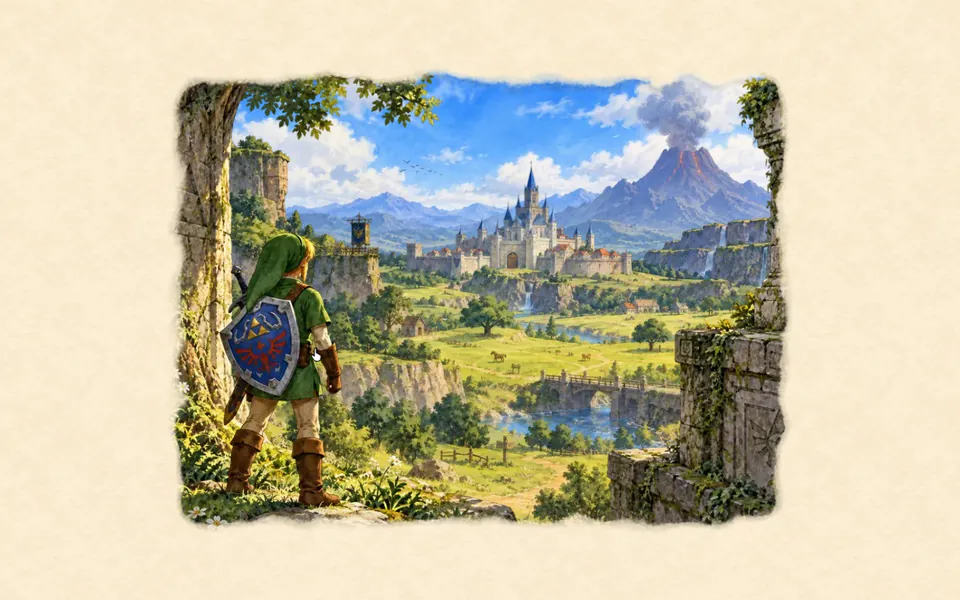 Three.js: Ocarina of Time watercolour
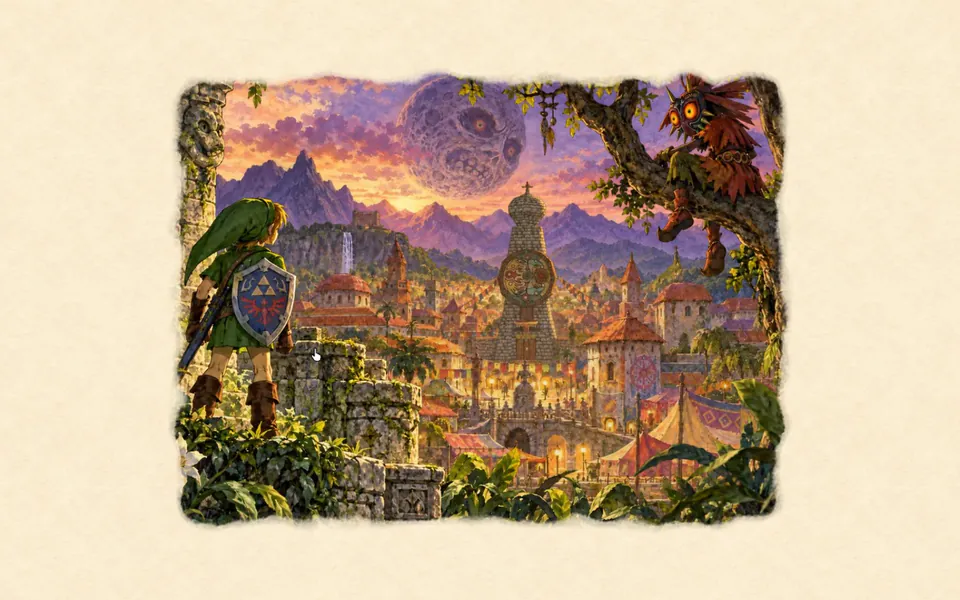 vgpu: Majora’s Mask watercolour
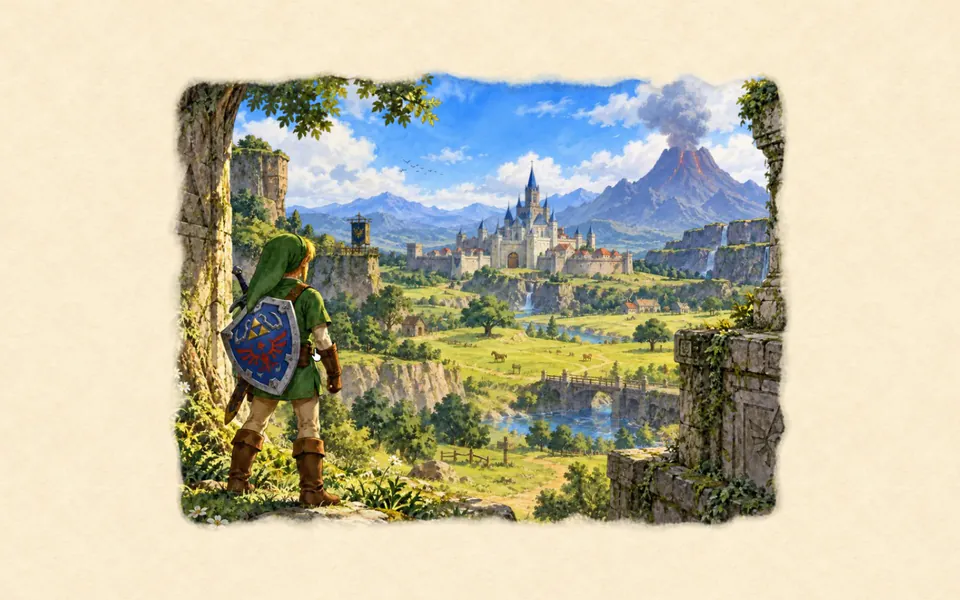 Three.js: Ocarina of Time watercolour