<div class="stage">
  <h2 class="title">Sequenced with the DOM</h2>
  <canvas></canvas>
</div>

<script type="module">
  import { animate, frame, stagger } from "motion"
  import { threeEffect } from "motion/three"
  import * as THREE from "three"

  animate.addEffect(threeEffect)

  const token = (name) =>
    getComputedStyle(document.body).getPropertyValue(name).trim()

  const canvas = document.querySelector("canvas")

  function runSequenceMotion(cubes) {
    /**
     * Because threeEffect makes meshes first-class animate() subjects, they
     * can sit in the same sequence as DOM elements, and an array of meshes
     * can be staggered like an array of elements.
     */
    animate([
      [".title", { opacity: [0, 1], y: [16, 0] }, { duration: 0.5 }],
      [
        cubes,
        { y: [-2.5, 0], rotateY: [0, 360], scale: [0.6, 1] },
        {
          at: "-0.2",
          delay: stagger(0.08),
          type: "spring",
          stiffness: 180,
          damping: 20,
          mass: 1,
        },
      ],
    ])
  }

  const renderer = new THREE.WebGLRenderer({
    canvas,
    antialias: true,
    alpha: true,
  })
  renderer.setPixelRatio(Math.min(devicePixelRatio, 2))
  renderer.setSize(canvas.clientWidth, canvas.clientHeight, false)

  const scene = new THREE.Scene()
  const camera = new THREE.PerspectiveCamera(
    30,
    canvas.clientWidth / canvas.clientHeight,
    0.1,
    100
  )
  camera.position.set(0, 1.2, 7)
  camera.lookAt(0, 0, 0)

  scene.add(new THREE.HemisphereLight(token("--white"), token("--layer"), 2))
  const keyLight = new THREE.DirectionalLight(token("--white"), 3)
  keyLight.position.set(3, 4, 5)
  scene.add(keyLight)

  /**
   * A row of cubes, each with its own hue from the page's CSS tokens
   */
  const cubes = [1, 2, 3, 4, 5].map((hue, i) => {
    const cube = new THREE.Mesh(
      new THREE.BoxGeometry(0.8, 0.8, 0.8),
      new THREE.MeshStandardMaterial({
        color: token(`--hue-${hue}`),
        roughness: 0.5,
      })
    )
    cube.position.x = (i - 2) * 1.1
    scene.add(cube)
    return cube
  })

  frame.render(() => renderer.render(scene, camera), true)
  runSequenceMotion(cubes)
</script>

<style>
  .stage {
    display: flex;
    flex-direction: column;
    align-items: center;
    gap: 16px;
    width: 480px;
    max-width: 100vw;
  }

  .title {
    margin: 0;
    font-size: 28px;
    letter-spacing: -0.02em;
    text-wrap: balance;
    opacity: 0;
  }

  .stage canvas {
    display: block;
    width: 100%;
    aspect-ratio: 3 / 2;
  }
</style>

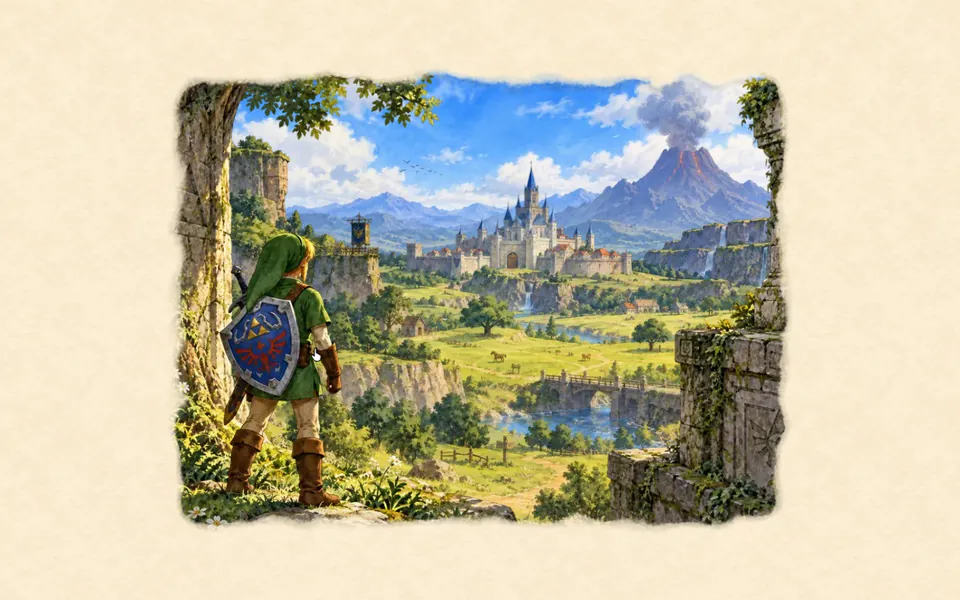 Three.js: Ocarina of Time watercolour
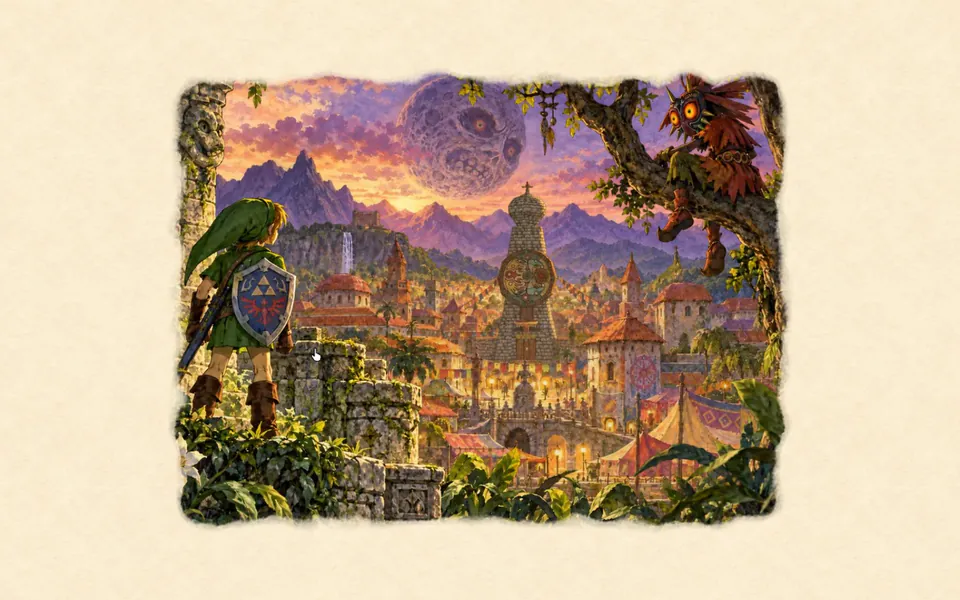 vgpu: Majora’s Mask watercolour
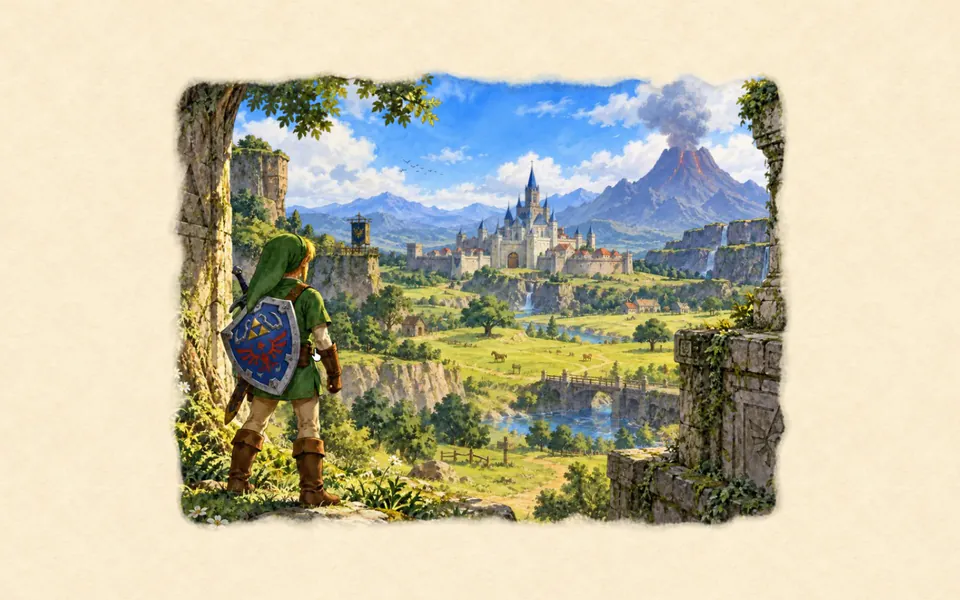 Three.js: Ocarina of Time watercolour