<div class="stage">
  <canvas aria-label="A refractive lens moving over a photograph"></canvas>
</div>

<script type="module">
  import { animate, frame } from "motion"
  import { threeEffect } from "motion/three"
  import * as THREE from "three"

  animate.addEffect(threeEffect)

  const PHOTO_URL = "/photos/japan/4.jpg"
  const stage = document.querySelector(".stage")
  const canvas = document.querySelector("canvas")
  const spring = { type: "spring", stiffness: 120, damping: 20 }

  function runLensMotion(material) {
    /**
     * Animate the ShaderMaterial. threeEffect resolves lensX and lensY to
     * the axes of its lens Vector2 uniform.
     */
    canvas.addEventListener("pointermove", (event) => {
      const rect = canvas.getBoundingClientRect()

      animate(
        material,
        {
          lensX: THREE.MathUtils.clamp(
            (event.clientX - rect.left) / rect.width,
            0,
            1
          ),
          lensY: THREE.MathUtils.clamp(
            1 - (event.clientY - rect.top) / rect.height,
            0,
            1
          ),
        },
        spring
      )
    })
  }

  const vertexShader = `
    varying vec2 vUv;

    void main() {
      vUv = uv;
      gl_Position = vec4(position, 1.0);
    }
  `

  const fragmentShader = `
    varying vec2 vUv;
    uniform sampler2D photo;
    uniform vec2 lens;
    uniform float aspect;
    uniform float imageAspect;

    vec3 sampleScene(vec2 canvasUv) {
      vec2 imageSize = vec2(min(aspect * 0.72, 0.96), 0.0);
      imageSize.y = imageSize.x / imageAspect;

      if (imageSize.y > 0.72) {
        imageSize = vec2(0.72 * imageAspect, 0.72);
      }

      vec2 imageSizeUv = imageSize / vec2(aspect, 1.0);
      vec2 imageCenter = vec2(0.5, 0.46);
      vec2 imageMin = imageCenter - imageSizeUv * 0.5;
      vec2 uv = (canvasUv - imageMin) / imageSizeUv;
      float onPhoto =
        step(0.0, uv.x) *
        step(uv.x, 1.0) *
        step(0.0, uv.y) *
        step(uv.y, 1.0);
      vec3 texel = texture2D(
        photo,
        clamp(uv, vec2(0.0), vec2(1.0))
      ).rgb;

      return mix(vec3(1.0), texel, onPhoto);
    }

    vec2 refractedUv(vec2 canvasUv, vec2 local, float ior) {
      float r2 = dot(local, local);
      float angle = atan(local.y, local.x);
      float distortion = sin(angle * 6.0 + r2 * 8.0) * 0.65;
      vec2 distorted = local * (1.0 + distortion * r2 * 0.16);
      vec3 normal = normalize(vec3(
        distorted,
        sqrt(max(0.0, 1.0 - r2))
      ));
      vec3 ray = refract(vec3(0.0, 0.0, -1.0), normal, 1.0 / ior);
      float edgeMagnification = mix(
        0.75,
        2.4,
        smoothstep(0.2, 1.0, r2)
      );

      return canvasUv +
        ray.xy * 0.075 * edgeMagnification /
        vec2(aspect, 1.0);
    }

    void main() {
      vec2 scale = vec2(aspect, 1.0);
      vec2 local = (vUv - lens) * scale / 0.14;
      float r2 = dot(local, local);
      float radius = sqrt(r2);
      float mask = 1.0 - smoothstep(0.985, 1.0, radius);
      vec3 base = sampleScene(vUv);

      float chromaticAberration = 0.65;
      float spread = chromaticAberration * 0.08;
      vec3 red = sampleScene(refractedUv(vUv, local, 1.14 - spread));
      vec3 green = sampleScene(refractedUv(vUv, local, 1.14));
      vec3 blue = sampleScene(refractedUv(vUv, local, 1.14 + spread));
      vec3 glass = vec3(red.r, green.g, blue.b);

      float normalZ = sqrt(max(0.0, 1.0 - r2));
      float fresnel = pow(1.0 - normalZ, 3.0);
      float highlight = pow(max(
        dot(
          normalize(vec3(local, normalZ)),
          normalize(vec3(-0.45, -0.65, 1.0))
        ),
        0.0
      ), 24.0);
      glass += vec3(fresnel * 0.1 + highlight * 0.12);

      gl_FragColor = vec4(mix(base, glass, mask), 1.0);

      #include <colorspace_fragment>
    }
  `

  async function loadPhoto(url) {
    const texture = await new THREE.TextureLoader().loadAsync(url)
    const width = texture.image.naturalWidth || texture.image.width
    const height = texture.image.naturalHeight || texture.image.height

    if (!width || !height) {
      texture.dispose()
      throw new Error("The photograph has invalid dimensions")
    }

    texture.colorSpace = THREE.SRGBColorSpace
    texture.wrapS = THREE.ClampToEdgeWrapping
    texture.wrapT = THREE.ClampToEdgeWrapping
    texture.magFilter = THREE.LinearFilter
    texture.needsUpdate = true

    return {
      texture,
      aspect: width / height,
    }
  }

  async function start() {
    const renderer = new THREE.WebGLRenderer({
      canvas,
      antialias: true,
    })
    renderer.outputColorSpace = THREE.SRGBColorSpace
    renderer.setClearColor(0xffffff, 1)

    let uniforms

    function resize() {
      const width = Math.max(1, canvas.clientWidth)
      const height = Math.max(1, canvas.clientHeight)

      renderer.setPixelRatio(Math.min(window.devicePixelRatio || 1, 2))
      renderer.setSize(width, height, false)

      if (uniforms) {
        uniforms.aspect.value = width / height
      }
    }

    const resizeObserver = new ResizeObserver(resize)
    resizeObserver.observe(stage)
    window.addEventListener("resize", resize)
    resize()

    const loadedPhoto = await loadPhoto(PHOTO_URL)
    uniforms = {
      photo: { value: loadedPhoto.texture },
      lens: { value: new THREE.Vector2(0.5, 0.46) },
      aspect: { value: 1 },
      imageAspect: { value: loadedPhoto.aspect },
    }
    resize()

    const material = new THREE.ShaderMaterial({
      uniforms,
      vertexShader,
      fragmentShader,
      depthTest: false,
      depthWrite: false,
    })
    const scene = new THREE.Scene()
    const camera = new THREE.Camera()
    const mesh = new THREE.Mesh(
      new THREE.PlaneGeometry(2, 2),
      material
    )
    scene.add(mesh)
    runLensMotion(material)

    let isReady = false

    frame.render(() => {
      renderer.render(scene, camera)

      if (!isReady) {
        isReady = true
        canvas.classList.add("is-ready")
      }
    }, true)

  }

  start().catch((error) => {
    console.error(error)
  })
</script>

<style>
  #sandbox {
    align-items: stretch;
    background: #fff;
  }

  #example-container {
    display: flex;
    flex: 1;
    width: 100%;
    min-height: 0;
    background: #fff;
  }

  .stage {
    position: relative;
    flex: 1;
    min-height: 0;
    overflow: hidden;
    background: #fff;
  }

  .stage canvas {
    position: absolute;
    inset: 0;
    display: block;
    width: 100%;
    height: 100%;
    opacity: 0;
    cursor: none;
    touch-action: none;
  }

  .stage canvas.is-ready {
    opacity: 1;
  }
</style>

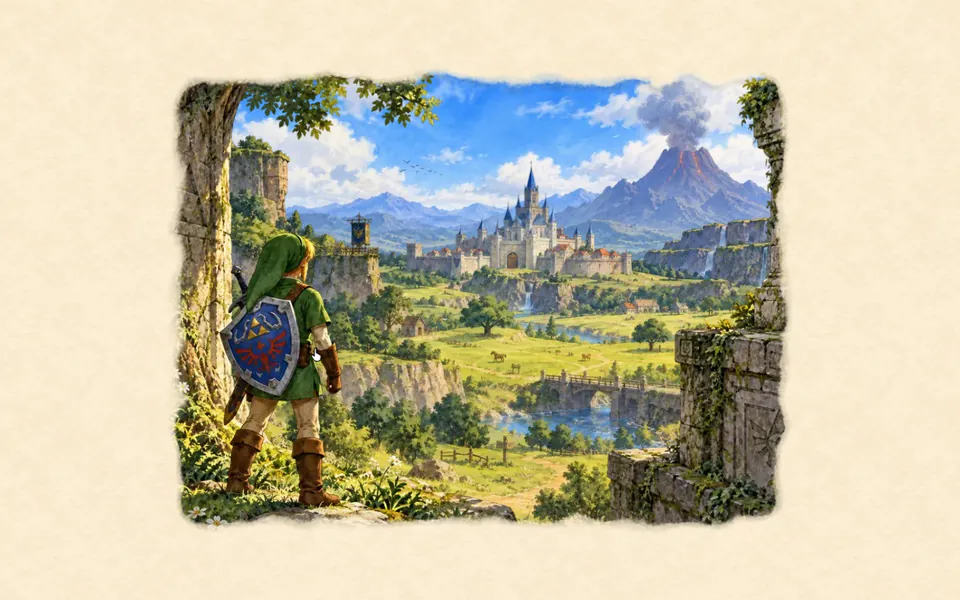 Three.js: Ocarina of Time watercolour
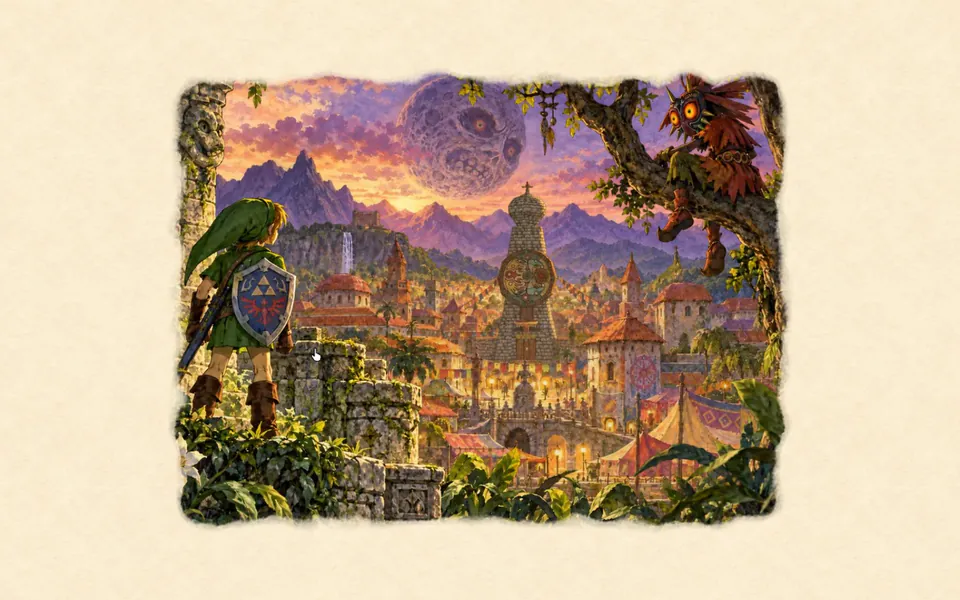 vgpu: Majora’s Mask watercolour
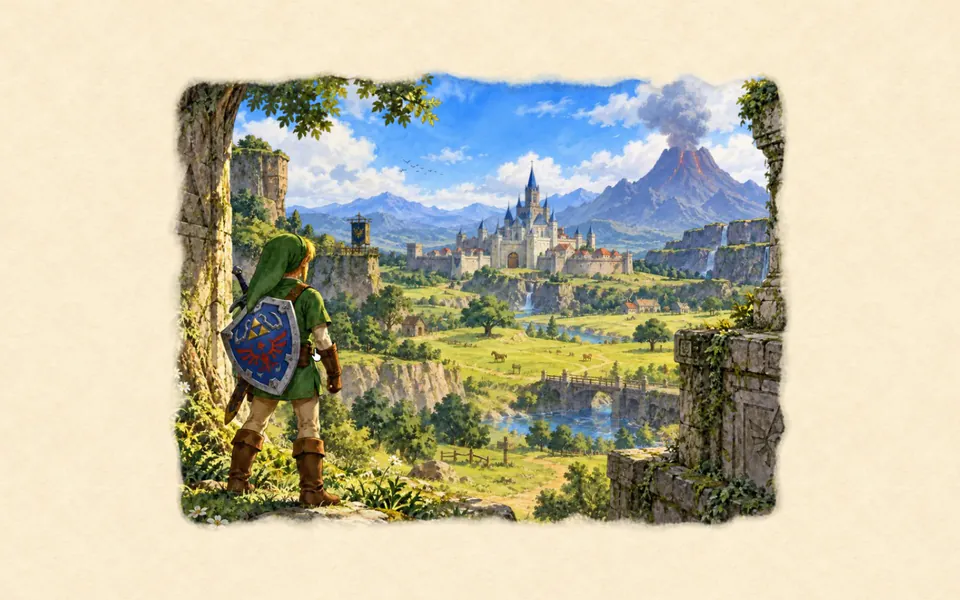 Three.js: Ocarina of Time watercolour