Introduction
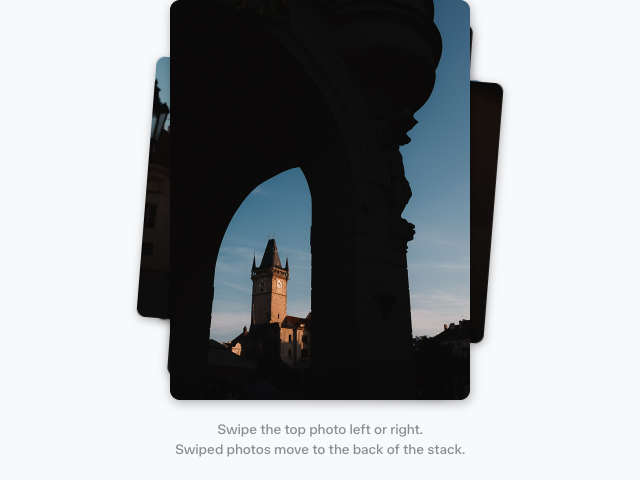
The Tilt card example shows how to create an interactive card that tilts in 3D based on where your pointer is positioned. When you move your pointer over the card, it rotates to follow the movement, creating a dynamic parallax effect.
This tutorial uses the animate function from Motion to create smooth spring animations, and the frame API to schedule animations efficiently. If transformPerspective and preserve-3d are new to you, 3D transforms and perspective explains what each one is doing here.
Get started
Let's start with a basic card containing an image, a gradient overlay, and a caption:
<div class="card">
    <img src="your-image.jpg" alt="Image description" />
    <div class="gradient-overlay"></div>
    <div class="caption">Caption text</div>
</div>

<script type="module"></script>

<style>
    /** Copy styles from example source code */
</style>
The card has an image as the background, with a gradient overlay at the bottom to make the caption text more readable.