Introduction
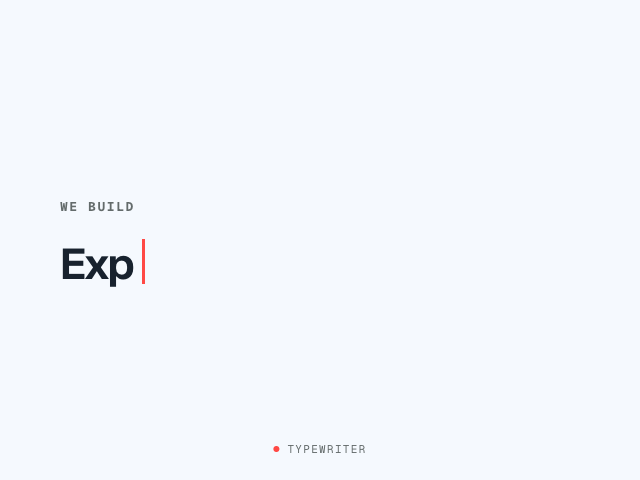
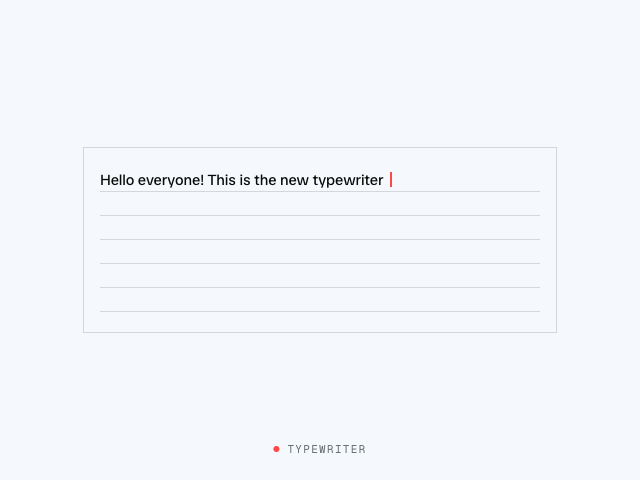
The Typewriter example types "Hello world!" into a heading, character by character, with a blinking cursor. It uses the typewriter function from Motion UI.
A typewriter effect looks simple. Slice a string a little more each frame and you're done.
But no. Real people don't type at a steady interval. They slow down for long words, pause at punctuation and speed up mid-word. typewriter models all of this, so the animation feels human instead of robotic.
Get started
Let's start with the HTML structure and styles:
<div class="stage">
  <span class="stage-tag">Typewriter</span>
  <h2 class="headline"></h2>
</div>

<script type="module">
  // We'll animate here
</script>

<style>
  /** Copy styles from example source code */
</style>
The heading starts empty. typewriter renders the text and the cursor into it.