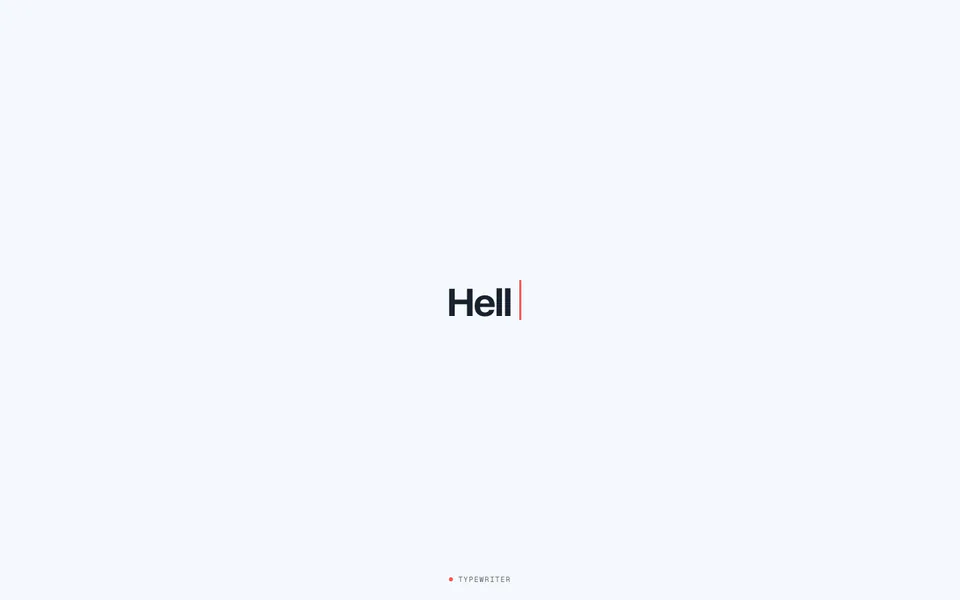
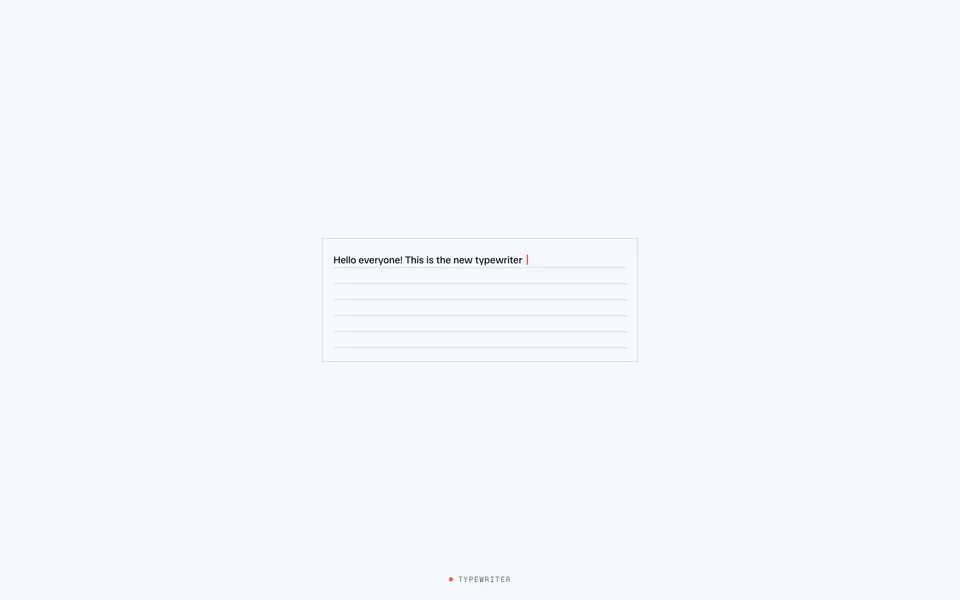
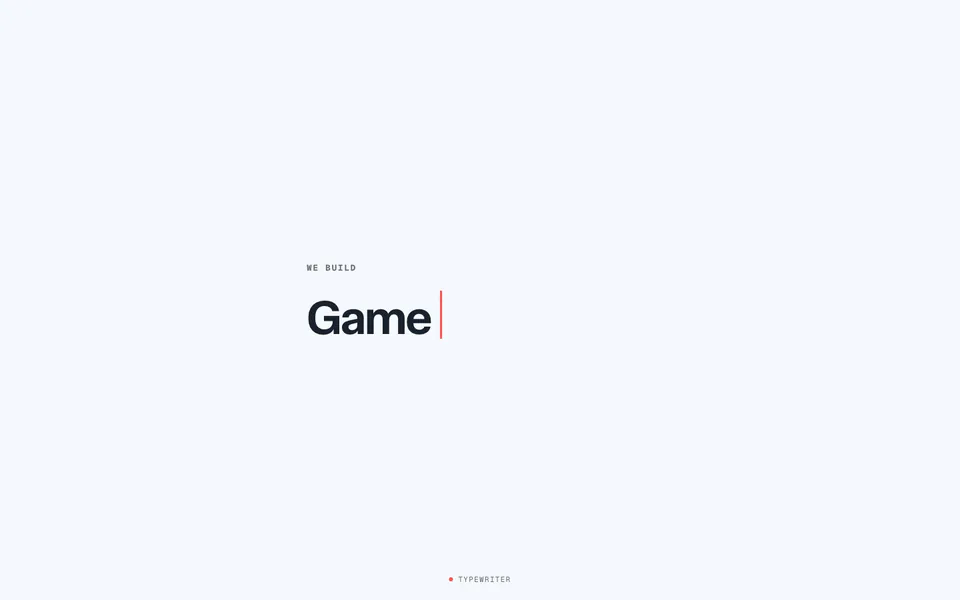
typewriter is a 1.8kb function for creating realistic typewriter animations in vanilla JavaScript.
It emulates natural human typing, backspaces intelligently when the text changes, and gives you full playback control. The full text stays available to screen readers the whole time.
import { typewriter } from "motion-plus"

typewriter("#title", "Hello world!")typewriter is exclusive to Motion+ members. Motion+ is a one-time payment, lifetime membership that unlocks Motion UI, premium examples and access to a private Discord community.
It's also available as a <Typewriter /> component for React and Vue.
Features
-
Natural animation: Typing speeds and variance emulate real-world behaviour.
-
Playback control: Play and pause at any time, perfect for scroll-triggered animations.
-
Accessible: Sets an
aria-labelwith the full text, for screen reader compatibility. -
Dynamic content: Call
set()with new text, andtypewriterbackspaces and types its way there. -
Customisable: Control everything from typing speed and variance to cursor style and blink speed.
Install
First, install Motion UI in your project. You need to be a Motion+ member to generate an access token.
Usage
Import typewriter from "motion-plus".
import { typewriter } from "motion-plus"Pass typewriter an element or CSS selector, and the text to type:
// With a selector
typewriter("#title", "Hello world!")

// With an element
const element = document.querySelector(".title")
typewriter(element, "Hello world!")If you don't pass any text, typewriter types the element's existing text content. This keeps the text in your HTML for search engines and readers without JavaScript.
<h1 id="title">Hello world!</h1>

<script type="module">
  typewriter("#title")
</script>typewriter renders the text and a cursor inside the element.
Dynamic content
typewriter returns controls. Pass new text to set() and typewriter animates from the old text to the new text. By default, it backspaces character by character to the point of difference, and then types out the new content.
const controls = typewriter("#title", "Hello world!")

controls.set("Hello everyone!")To backspace one word or special character at a time, set backspace to "word":
typewriter("#title", text, { backspace: "word" })Or remove all of the mismatched content immediately:
typewriter("#title", text, { backspace: "all" })Adjust speed
The animation emulates "normal" real-world typing speeds, based on real research. You can also set speed to "fast", "slow", or a custom interval in milliseconds.
typewriter("#title", "Hello world!", { speed: "slow" })By default, the typing speed varies naturally per character, based on the type of content being "typed".
For example, typing slows down for long words, at the start and end of a word, for punctuation, and for uncommon character combinations.
The variance option configures this. It's a 0-1 factor applied to speed, to create a range of speeds to randomly pick from.
So for no variance, set it to 0:
typewriter("#title", "Hello world!", { variance: 0 })Or for some variance, set it to 0.5:
typewriter("#title", "Hello world!", { variance: 0.5 })