<script setup lang="ts">
import { animate, stagger } from "motion-v"
import { splitText } from "motion-plus"
import { onMounted, ref } from "vue"
const containerRef = ref<HTMLElement | null>(null)
onMounted(() => {
document.fonts.ready.then(() => {
if (!containerRef.value) return
const { chars } = splitText(
containerRef.value.querySelector(".wavy")!
)
containerRef.value.style.visibility = "visible"
const staggerDelay = 0.15
animate(
chars,
{ y: [-20, 20] },
{
repeat: Infinity,
repeatType: "mirror",
ease: "easeInOut",
duration: 2,
delay: stagger(
staggerDelay,
{ startDelay: -staggerDelay * chars.length }
),
}
)
})
})
</script>
<template>
<div class="container" ref="containerRef">
<h1 class="h1">
That’s <span class="wavy">waaaavy</span>.
</h1>
</div>
</template>
<style>
.container {
display: flex;
justify-content: center;
align-items: center;
width: 100%;
visibility: hidden;
}
.split-char {
will-change: transform, opacity;
}
</style>

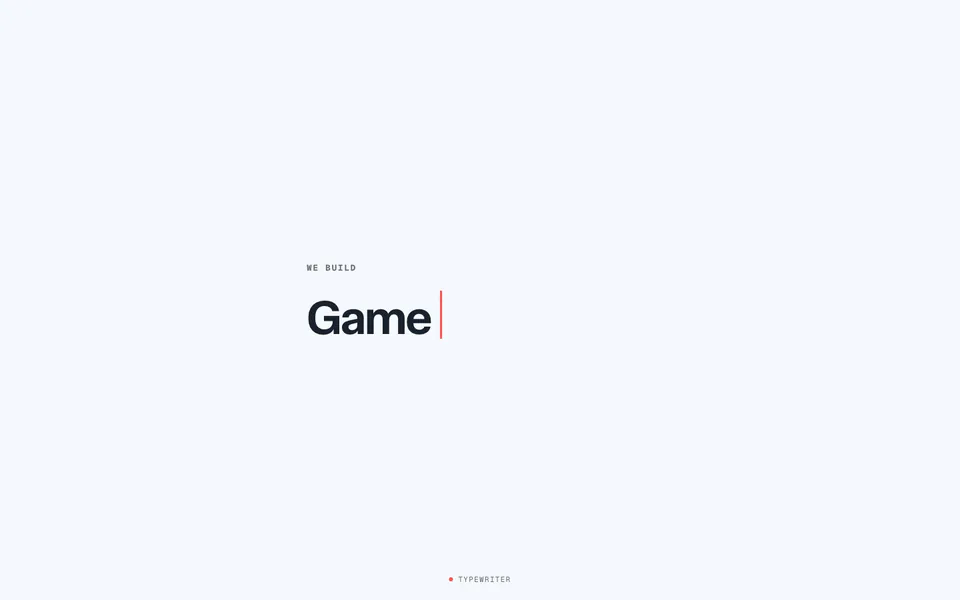 Typewriter: Change Content
 Typewriter: Exploding Countdown
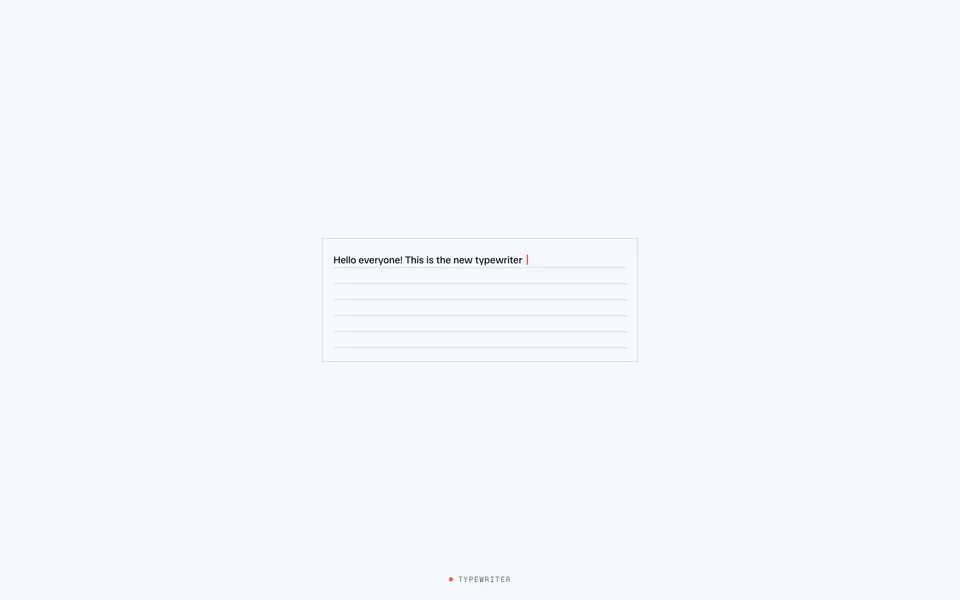 Typewriter: Natural Typing