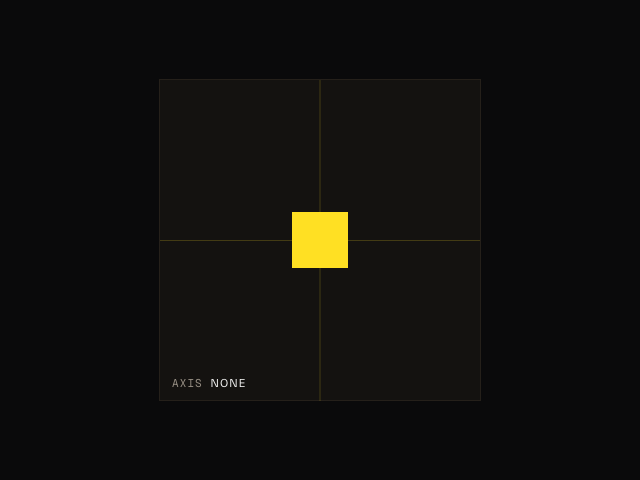
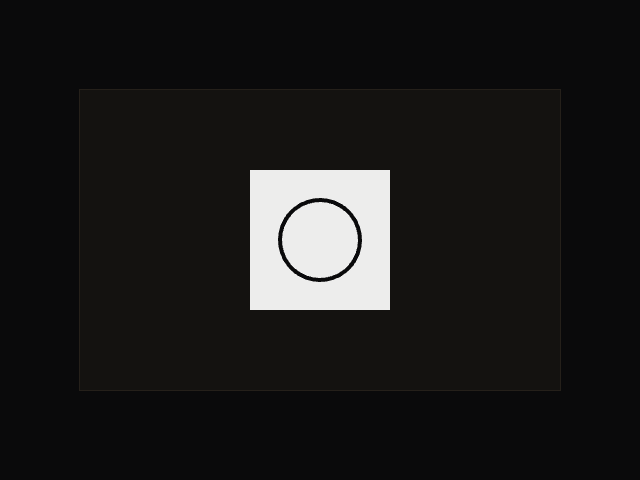
<div class="constraints">
    <div class="box"></div>
</div>

<script type="module">
    import { drag } from "motion"

    drag(".box", {
        constraints: document.querySelector(".constraints"),
        elastic: 0.2,
    })
</script>

<style>
    .constraints {
        position: relative;
        width: 320px;
        height: 320px;
        max-width: calc(100vw - 32px);
        background-color: var(--layer);
        border: 1px solid var(--border);
    }

    .box {
        position: relative;
        z-index: 1;
        width: 80px;
        height: 80px;
        background-color: var(--accent);
        cursor: grab;
    }

    .box:active {
        cursor: grabbing;
    }
</style>

 Drag
Drag