<div class="stage">
    <div class="axis-line" data-axis="x"></div>
    <div class="axis-line" data-axis="y"></div>
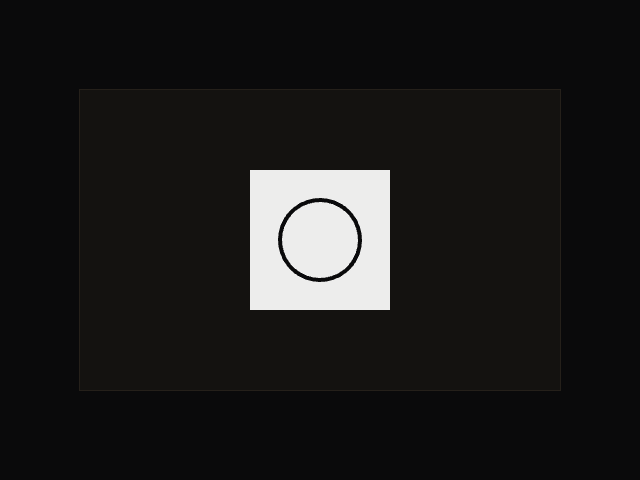
    <div class="box"></div>
    <span class="label">Axis <output class="axis">None</output></span>
</div>

<script type="module">
    import { animate, drag } from "motion"

    const box = document.querySelector(".box")
    const lines = document.querySelectorAll(".axis-line")
    const readout = document.querySelector(".axis")

    function highlight(axis) {
        readout.textContent = axis ? axis.toUpperCase() : "None"

        lines.forEach((line) => {
            animate(
                line,
                { opacity: line.dataset.axis === axis ? 1 : 0.2 },
                { duration: 0.1 }
            )
        })
    }

    drag(box, {
        directionLock: true,
        constraints: { top: 0, right: 0, bottom: 0, left: 0 },
        elastic: 0.2,
        transition: { bounceStiffness: 500, bounceDamping: 15 },
        onStart: () => box.classList.add("dragging"),
        onDirectionLock: (axis) => highlight(axis),
        onEnd: () => {
            box.classList.remove("dragging")
            highlight(null)
        },
    })
</script>

<style>
    .stage {
        position: relative;
        width: 320px;
        height: 320px;
        background-color: var(--layer);
        border: 1px solid var(--border);
    }

    .box {
        width: 56px;
        height: 56px;
        background-color: var(--accent);
        position: absolute;
        top: calc(50% - 28px);
        left: calc(50% - 28px);
        cursor: grab;
    }

    .box.dragging {
        cursor: grabbing;
    }

    .axis-line {
        width: 100%;
        height: 1px;
        background-color: var(--accent);
        position: absolute;
        top: 50%;
        left: 0;
        opacity: 0.2;
    }

    .axis-line[data-axis="y"] {
        rotate: 90deg;
    }

    .label {
        position: absolute;
        left: 12px;
        bottom: 10px;
        color: var(--foreground-feint);
        font-family: var(--font-mono);
        font-size: 11px;
        letter-spacing: 0.1em;
        text-transform: uppercase;
        pointer-events: none;
    }

    .axis {
        color: var(--foreground);
    }
</style>

 Drag
Drag