Introduction
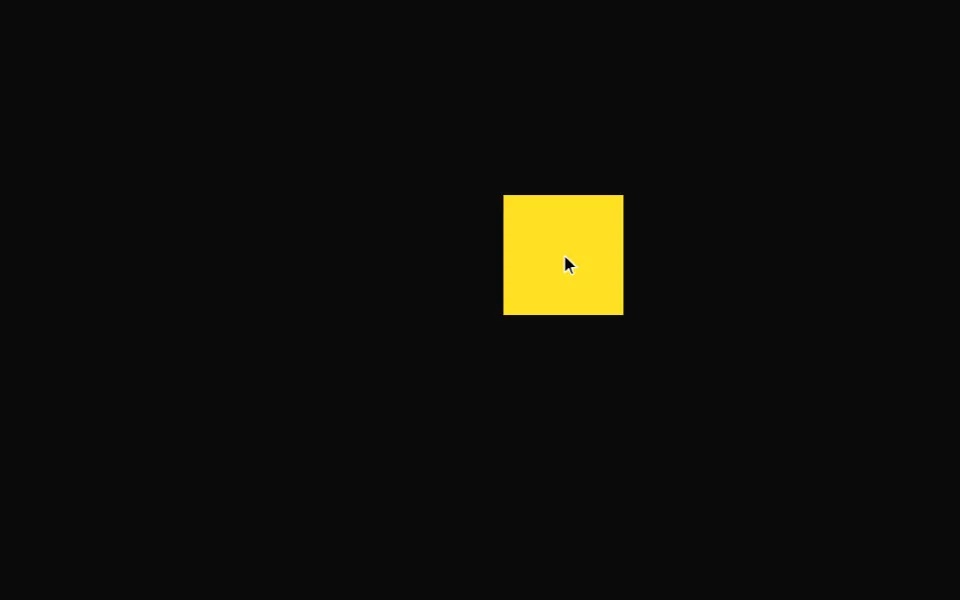
The Hold to confirm example shows an interactive button that requires a long press to trigger an action. This pattern is commonly used for destructive or important actions, giving users time to reconsider before completing the action.
This example uses several Motion APIs working together. The press function detects when the button is held down, the animate function drives the progress animation, motionValue stores the animation progress, mapValue transforms the progress into different visual properties, and styleEffect automatically updates element styles as the Motion value changes.
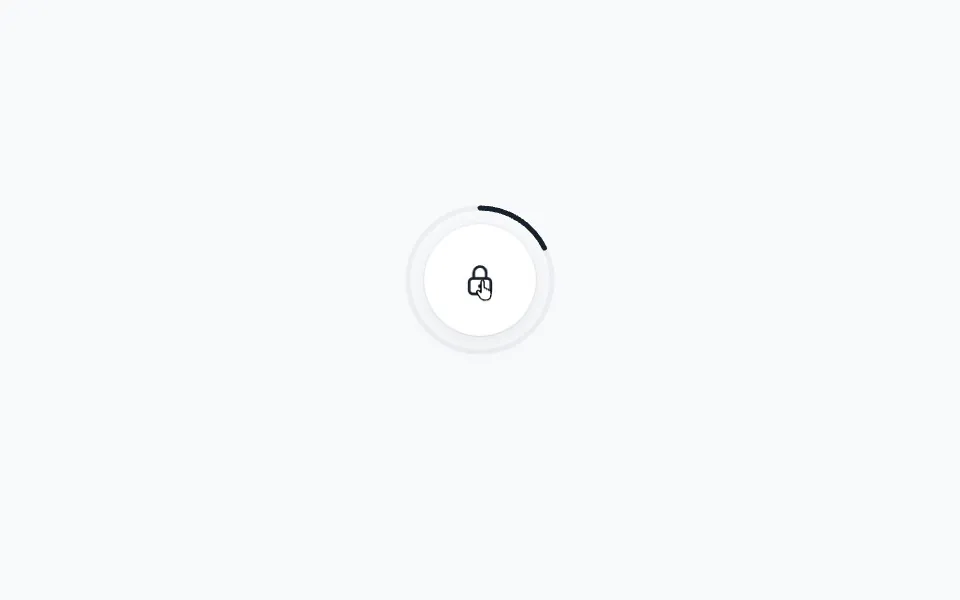
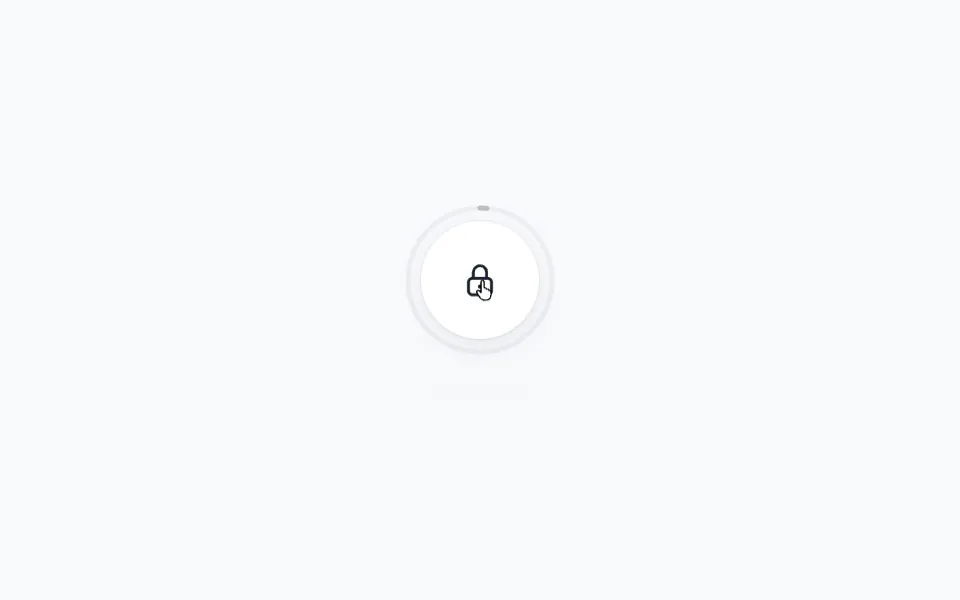
The example creates a sophisticated multi-element animation from a single progress value. When you press and hold the button, a circular progress ring draws around it, the button scales down slightly, and a glowing background slides into view. All these animations are driven by one Motion value that updates as you hold the button.
Get started
Let's start by setting up the HTML structure and basic styles. We need a button with a background element for the glow effect, and an SVG progress ring positioned behind it:
<div class="container">
    <div class="button-wrapper">
        <button class="button">
            <div class="button-background"></div>
            Hold to confirm
        </button>

        <svg
            class="progress-ring"
            width="320"
            height="320"
            viewBox="0 0 320 320"
        >
            <circle
                cx="160"
                cy="160"
                r="120"
                fill="none"
                stroke="#898d8e"
                stroke-width="24"
                stroke-linecap="round"
                stroke-dasharray="0"
            />
        </svg>
    </div>
</div>

<style>
    /** Copy styles from example source code */
</style>
A few styling details are important here. The button uses isolation: isolate so the background element's z-index: -1 positions it behind the text but not behind the button itself. The background has filter: blur(20px) and transform: scale(2) to create a soft glow effect. The progress ring is set to pointer-events: none so clicks pass through to the button.
The circle starts rotated -90deg so the animation begins at the top of the circle rather than the right side.