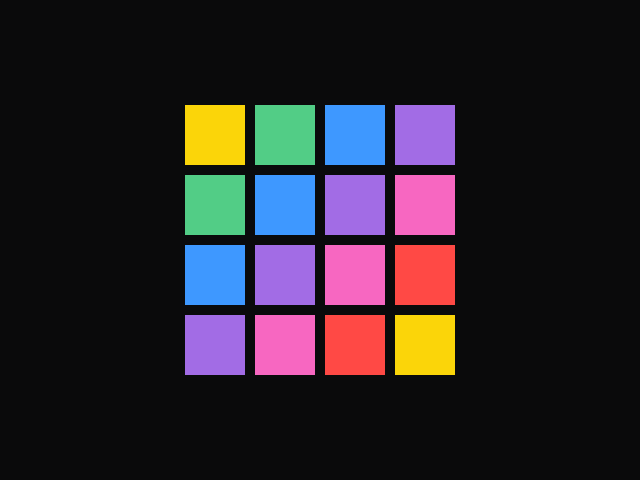
<div class="example">
    <button aria-label="Ripple from here"></button>
    <button aria-label="Ripple from here"></button>
    <button aria-label="Ripple from here"></button>
    <button aria-label="Ripple from here"></button>
    <button aria-label="Ripple from here"></button>
    <button aria-label="Ripple from here"></button>
    <button aria-label="Ripple from here"></button>
    <button aria-label="Ripple from here"></button>
    <button aria-label="Ripple from here"></button>
    <button aria-label="Ripple from here"></button>
    <button aria-label="Ripple from here"></button>
    <button aria-label="Ripple from here"></button>
    <button aria-label="Ripple from here"></button>
    <button aria-label="Ripple from here"></button>
    <button aria-label="Ripple from here"></button>
    <button aria-label="Ripple from here"></button>
    <button aria-label="Ripple from here"></button>
    <button aria-label="Ripple from here"></button>
    <button aria-label="Ripple from here"></button>
    <button aria-label="Ripple from here"></button>
    <button aria-label="Ripple from here"></button>
    <button aria-label="Ripple from here"></button>
    <button aria-label="Ripple from here"></button>
    <button aria-label="Ripple from here"></button>
    <button aria-label="Ripple from here"></button>
    <button aria-label="Ripple from here"></button>
    <button aria-label="Ripple from here"></button>
    <button aria-label="Ripple from here"></button>
    <button aria-label="Ripple from here"></button>
    <button aria-label="Ripple from here"></button>
    <button aria-label="Ripple from here"></button>
    <button aria-label="Ripple from here"></button>
    <button aria-label="Ripple from here"></button>
    <button aria-label="Ripple from here"></button>
    <button aria-label="Ripple from here"></button>
    <button aria-label="Ripple from here"></button>
    <button aria-label="Ripple from here"></button>
    <button aria-label="Ripple from here"></button>
    <button aria-label="Ripple from here"></button>
    <button aria-label="Ripple from here"></button>
    <button aria-label="Ripple from here"></button>
    <button aria-label="Ripple from here"></button>
    <button aria-label="Ripple from here"></button>
    <button aria-label="Ripple from here"></button>
    <button aria-label="Ripple from here"></button>
    <button aria-label="Ripple from here"></button>
    <button aria-label="Ripple from here"></button>
    <button aria-label="Ripple from here"></button></div>

<script type="module">
    import { animate, stagger } from "motion"

    const grid = document.querySelector(".example")
    const cells = grid.querySelectorAll("button")

    // Read the number of columns and rows from the CSS grid
    const style = getComputedStyle(grid)
    const columns = style.gridTemplateColumns.split(" ").length
    const rows = style.gridTemplateRows.split(" ").length

    // Fade in from the centre of the grid
    animate(
        cells,
        { opacity: 1, scale: [0.5, 1] },
        { delay: stagger(0.05, { grid: [columns, rows], from: "center" }) }
    )

    // Ripple outwards from the clicked cell
    cells.forEach((cell, i) => {
        cell.addEventListener("click", () => {
            animate(
                cells,
                { scale: [1, 0.4, 1] },
                {
                    duration: 0.6,
                    delay: stagger(0.05, { grid: [columns, rows], from: i }),
                }
            )
        })
    })
</script>

<style>
    .example {
        display: grid;
        grid-template-columns: repeat(8, 36px);
        grid-template-rows: repeat(6, 36px);
        gap: 10px;
    }

    .example button {
        width: 36px;
        height: 36px;
        padding: 0;
        border: none;
        border-radius: 8px;
        background-color: var(--hue-5);
        cursor: pointer;
        opacity: 0;
    }
</style>

 Drag
Drag