<div class="stage">
  <canvas aria-label="A solid colour swatch cycling through hues"></canvas>
</div>

<script type="module">
  import { animate, frame, motionValue } from "motion"
  import { vgpuEffect } from "motion/vgpu"
  import { effect, frame as vgpuFrame, init, surface } from "vgpu"

  animate.addEffect(vgpuEffect)

  const token = (name) =>
    getComputedStyle(document.body).getPropertyValue(name).trim()
  const palette = [0, 1, 2, 3, 4, 5, 6, 0].map((hue) =>
    token(`--hue-${hue}`)
  )
  const stage = document.querySelector(".stage")
  const canvas = document.querySelector("canvas")

  function runColourMotion(gpu, canvasSurface, swatch) {
    vgpuEffect(swatch, {
      "params.tint": motionValue(palette[0]),
    })

    animate(
      swatch,
      { "params.tint": palette },
      {
        duration: 14,
        ease: "linear",
        repeat: Infinity,
      }
    )

    function render() {
      vgpuFrame(gpu, (currentFrame) => {
        currentFrame.pass(canvasSurface, swatch)
      })
    }

    frame.render(render, true)
  }

  const shader = `
    struct Params {
      tint: vec3f,
    }

    @group(0) @binding(0) var<uniform> params: Params;

    @fragment
    fn fs_main() -> @location(0) vec4f {
      return vec4f(
        pow(params.tint, vec3f(1.0 / 2.2)),
        1.0
      );
    }
  `

  async function start() {
    if (!navigator.gpu) {
      throw new Error("This example needs a browser with WebGPU")
    }

    const gpu = await init()
    const canvasSurface = surface(gpu, canvas, { dpr: [1, 2] })
    const swatch = effect(gpu, shader)

    runColourMotion(gpu, canvasSurface, swatch)
  }

  start().catch((error) => {
    stage.textContent = error.message
  })
</script>

<style>
  .stage {
    position: fixed;
    inset: 0;
    width: 100vw;
    height: 100vh;
    overflow: hidden;
  }

  .stage canvas {
    display: block;
    width: 100%;
    height: 100%;
  }
</style>

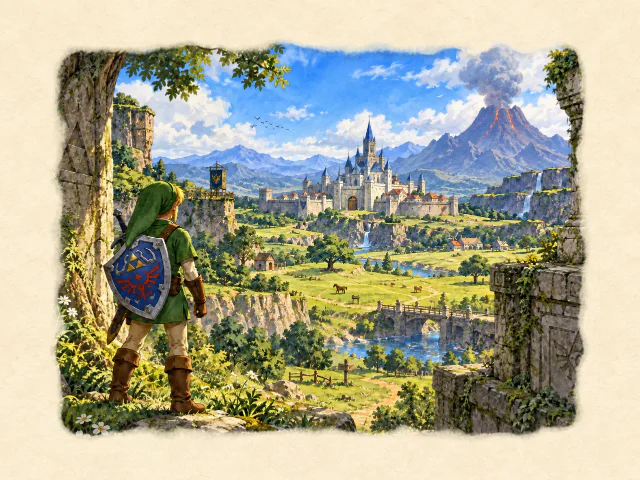 Three.js: Ocarina of Time watercolour
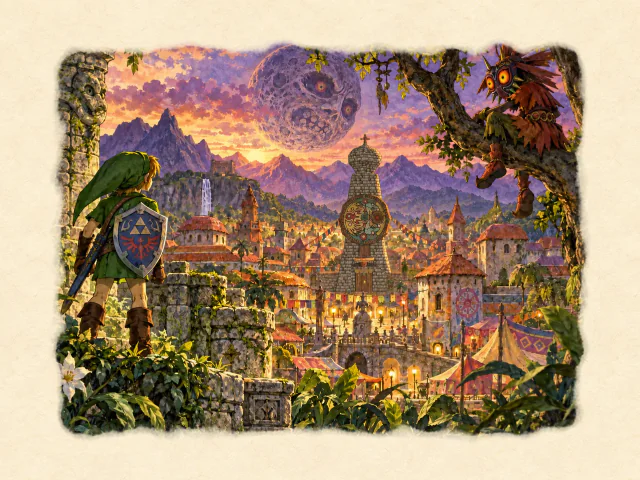 vgpu: Majora’s Mask watercolour
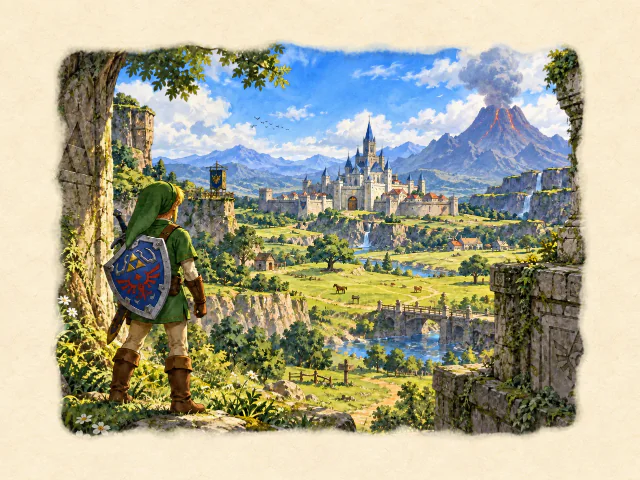 Three.js: Ocarina of Time watercolour