<div class="stage">
    <h2 class="title">Sequenced with the DOM</h2>
    <canvas></canvas>
</div>

<script type="module">
    import { animate, frame, stagger } from "motion"
    import { vgpuEffect } from "motion/vgpu"
    import {
        draw,
        effect,
        frame as vgpuFrame,
        geometry,
        init,
        sampler,
        surface,
        target,
    } from "vgpu"
    import {
        box,
        directionalLight,
        mesh,
        perspectiveCamera,
        srgb,
        unlitMaterial,
    } from "vgpu/scene"

    animate.addEffect(vgpuEffect)

    const token = (name) =>
        getComputedStyle(document.body).getPropertyValue(name).trim()

    const stage = document.querySelector(".stage")
    const canvas = document.querySelector("canvas")

    function runSequenceMotion(nodes) {
        animate([
            [".title", { opacity: [0, 1], y: [16, 0] }, { duration: 0.5 }],
            [
                nodes,
                { y: [-3, 0], rotateY: [0, 360], scale: [0.6, 1] },
                {
                    at: "-0.2",
                    delay: stagger(0.08),
                    type: "spring",
                    visualDuration: 0.7,
                    bounce: 0.3,
                },
            ],
        ])
    }

    const shader = `
        struct Camera { viewProjection: mat4x4f }
        struct Model { model: mat4x4f }
        struct Material { color: vec3f }
        struct Light { direction: vec3f, intensity: f32 }

        @group(0) @binding(0) var<uniform> camera: Camera;
        @group(0) @binding(1) var<uniform> model: Model;
        @group(0) @binding(2) var<uniform> material: Material;
        @group(0) @binding(3) var<uniform> light: Light;

        struct VertexOut {
            @builtin(position) position: vec4f,
            @location(0) normal: vec3f,
        }

        @vertex
        fn vs_main(
            @location(0) position: vec3f,
            @location(1) normal: vec3f
        ) -> VertexOut {
            var out: VertexOut;
            out.position = camera.viewProjection * model.model * vec4f(position, 1.0);
            out.normal = (model.model * vec4f(normal, 0.0)).xyz;
            return out;
        }

        @fragment
        fn fs_main(@location(0) normal: vec3f) -> @location(0) vec4f {
            let n = normalize(normal);
            let l = normalize(-light.direction);
            let diffuse = max(dot(n, l), 0.0) * light.intensity;
            let shade = material.color * (0.18 + diffuse);
            return vec4f(pow(shade, vec3f(1.0 / 2.2)), 1.0);
        }
    `

    const presentShader = `
        @group(0) @binding(0) var scene: texture_2d<f32>;
        @group(0) @binding(1) var sceneSampler: sampler;

        @fragment
        fn fs_main(@location(0) uv: vec2f) -> @location(0) vec4f {
            return textureSampleLevel(scene, sceneSampler, uv, 0.0);
        }
    `

    async function start() {
        if (!navigator.gpu) {
            throw new Error("This example needs a browser with WebGPU")
        }

        const gpu = await init()

        /**
         * A layout-backed surface measures the canvas every frame. DOM
         * elements animate in the same frames here, so that read would force
         * layout after every style write. Size it from a ResizeObserver
         * instead, which reports sizes without a forced reflow.
         */
        const canvasSurface = surface(gpu, canvas, {
            dpr: [1, 2],
            autoResize: false,
        })
        const sceneTarget = target(gpu, {
            size: canvasSurface.size,
            depth: true,
        })
        new ResizeObserver(([entry]) => {
            const { inlineSize, blockSize } = entry.contentBoxSize[0]
            const size = [
                Math.round(inlineSize * canvasSurface.dpr),
                Math.round(blockSize * canvasSurface.dpr),
            ]
            canvasSurface.resize(size)
            sceneTarget.resize(size)
        }).observe(canvas)

        const cubeGeometry = geometry(gpu, box({ size: 1 }))

        const light = directionalLight({ direction: [-1, -2, -1], intensity: 1.2 })
        const camera = perspectiveCamera({
            fov: 32,
            aspect: canvasSurface.size[0] / canvasSurface.size[1],
            position: [0, 1.5, 8],
            target: [0, 0, 0],
        })

        /**
         * A row of cubes. Each mesh node pairs with its own draw so the
         * shader can read a different model matrix per cube.
         */
        const cubes = [1, 2, 3, 4, 5].map((hue, i) => {
            const material = unlitMaterial({ color: srgb(token(`--hue-${hue}`)) })
            const node = mesh(box({ size: 0.9 }), material, {
                position: [(i - 2) * 1.2, -3, 0],
            })
            const cubeDraw = draw(gpu, {
                shader,
                geometry: cubeGeometry,
                cull: "back",
            })
            return { node, material, draw: cubeDraw }
        })
        const nodes = cubes.map((cube) => cube.node)
        const present = effect(gpu, presentShader, {
            set: {
                scene: sceneTarget,
                sceneSampler: sampler(gpu, {
                    minFilter: "linear",
                    magFilter: "linear",
                }),
            },
        })

        canvasSurface.onResize(({ width, height }) => {
            camera.set({ aspect: width / height })
        })

        function render() {
            for (const { node, material, draw } of cubes) {
                draw.set({
                    camera: { viewProjection: camera.viewProjection },
                    model: { model: node.worldMatrix },
                    material: { color: material.color },
                    light: { direction: light.direction, intensity: light.intensity },
                })
            }

            vgpuFrame(gpu, (currentFrame) => {
                currentFrame.pass(
                    {
                        target: sceneTarget,
                        clear: [0.043, 0.063, 0.067, 1],
                        clearDepth: 1,
                    },
                    (pass) => cubes.forEach((cube) => pass.draw(cube.draw))
                )
                currentFrame.pass(canvasSurface, present)
            })
        }

        frame.render(render, true)

        runSequenceMotion(nodes)
    }

    start().catch((error) => {
        stage.innerHTML = `<p class="hint">${error.message}</p>`
    })
</script>

<style>
    .stage {
        display: flex;
        flex-direction: column;
        align-items: center;
        gap: 16px;
        width: 480px;
        max-width: 100vw;
    }

    .title {
        margin: 0;
        font-size: 28px;
        letter-spacing: -0.02em;
        text-wrap: balance;
        opacity: 0;
    }

    .stage canvas {
        display: block;
        width: 100%;
        aspect-ratio: 3 / 2;
    }

    .hint {
        margin: 0;
        font-family: var(--font-mono);
        font-size: 11px;
        letter-spacing: 0.1em;
        text-transform: uppercase;
        color: var(--white-feint);
    }
</style>

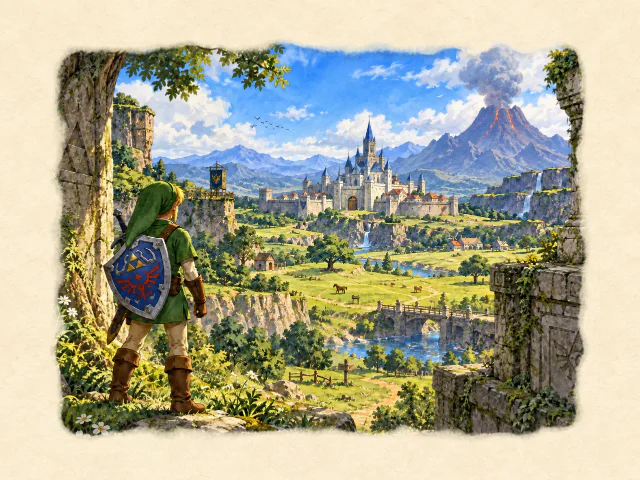 Three.js: Ocarina of Time watercolour
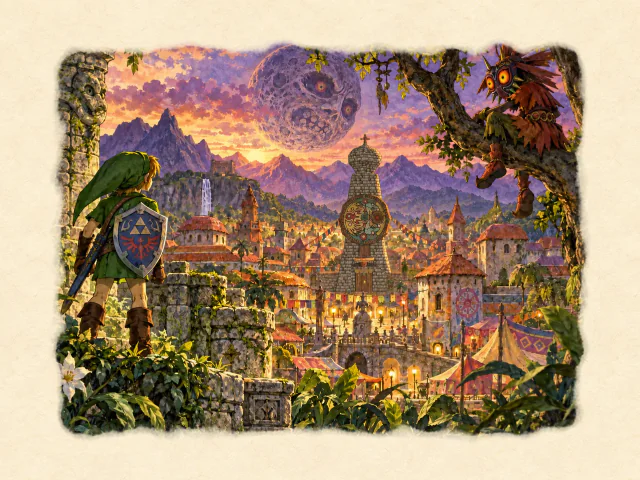 vgpu: Majora’s Mask watercolour
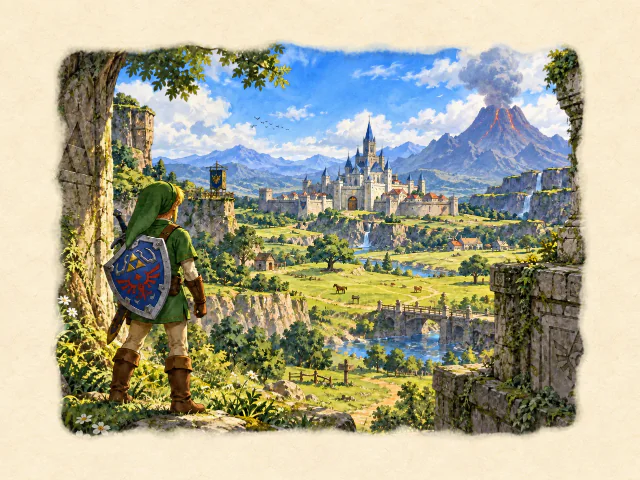 Three.js: Ocarina of Time watercolour