"use client"

import {
  animate,
  cancelFrame,
  frame,
  LazyMotion,
  motion,
  pinchFeatures,
  useMotionValue,
  useMotionValueEvent,
  useTransform,
} from "motion/react"
import type { PanInfo, TapInfo } from "motion/react"
import { useRef, useState } from "react"

const ui = { type: "spring", stiffness: 305, damping: 33 } as const

/**
 * How far the photo can move at a given scale before an edge comes
 * inside the frame.
 */
const limit = (size: number, scale: number) =>
  Math.max(0, (size * (scale - 1)) / 2)

const clampPan = (value: number, size: number, scale: number) =>
  Math.min(limit(size, scale), Math.max(-limit(size, scale), value))

export default function PinchZoom() {
  const viewer = useRef<HTMLDivElement>(null)
  const isDragging = useRef(false)

  /**
   * pinch, drag and animate() all use the photo's scale, x and y. Passing
   * our own motion values to style means we can read and animate them.
   */
  const scale = useMotionValue(1)
  const x = useMotionValue(0)
  const y = useMotionValue(0)

  const hintOpacity = useTransform(scale, [1, 1.15], [1, 0])
  const zoomOpacity = useTransform(scale, [1, 1.15], [0, 1])
  const [zoom, setZoom] = useState("1.0×")
  useMotionValueEvent(scale, "change", (latest) =>
    setZoom(latest.toFixed(1) + "×"),
  )

  /**
   * Keep the photo covering the frame: once the zoom has settled, glide
   * back so no edge shows. A flick carries on a little way first.
   */
  const settleEdges = (velocity = { x: 0, y: 0 }) => {
    const s = scale.get()
    const { offsetWidth: width, offsetHeight: height } = viewer.current!

    animate(x, clampPan(x.get() + velocity.x * 0.2, width, s), {
      ...ui,
      velocity: velocity.x,
    })
    animate(y, clampPan(y.get() + velocity.y * 0.2, height, s), {
      ...ui,
      velocity: velocity.y,
    })
  }

  // Wait for the pinch's own spring back to finish, then fix the edges
  const settling = useRef<VoidFunction>(() => {})

  const afterZoomSettles = (callback: VoidFunction) => {
    cancelFrame(settling.current)
    let last: number | undefined
    const check = (settling.current = () => {
      const latest = scale.get()
      if (latest === last) {
        cancelFrame(check)
        callback()
      }
      last = latest
    })
    frame.postRender(check, true)
  }

  /**
   * tap={{ count: 2 }} only fires onTap after a second, quick tap. It
   * zooms in on the point that was tapped, or back out.
   */
  const onDoubleTap = (_event: PointerEvent, info: TapInfo) => {
    const rect = viewer.current!.getBoundingClientRect()
    const current = scale.get()
    const target = current > 1.05 ? 1 : 2.5

    // The tapped point, from the frame's centre
    let px = info.point.x - window.scrollX - rect.left - rect.width / 2
    let py = info.point.y - window.scrollY - rect.top - rect.height / 2

    // Keyboard presses have no pointer position, so zoom on the centre
    if (Math.abs(px) > rect.width / 2 || Math.abs(py) > rect.height / 2) {
      px = 0
      py = 0
    }

    // Keep the tapped point under the finger as the scale changes
    const ratio = target / current
    animate(scale, target, ui)
    animate(x, clampPan(px - (px - x.get()) * ratio, rect.width, target), ui)
    animate(y, clampPan(py - (py - y.get()) * ratio, rect.height, target), ui)
  }

  return (
    <LazyMotion features={pinchFeatures}>
      <div className="pz-viewer">
        <motion.div
          ref={viewer}
          className="pz-frame"
          aria-label="Pinch or double tap to zoom"
          tap={{ count: 2 }}
          onTap={onDoubleTap}
        >
          <motion.img
            className="pz-photo"
            src="/photos/japan/5.jpg"
            alt="A street in Tokyo at night"
            draggable={false}
            style={{ scale, x, y }}
            /**
             * Past 1x or 4x the pinch resists, and springs back inside
             * them when the fingers lift, around the point between them.
             */
            pinch={{
              scale: { min: 1, max: 4 },
              rotate: false,
              // A new pinch takes over from a settle still waiting to run
              onStart: () => cancelFrame(settling.current),
              // A finger still down carries on as a drag, which settles on release
              onEnd: () => !isDragging.current && afterZoomSettles(settleEdges),
            }}
            drag
            dragMomentum={false}
            onDragStart={() => {
              isDragging.current = true
              cancelFrame(settling.current)
            }}
            onDragEnd={(_event: PointerEvent, info: PanInfo) => {
              isDragging.current = false
              afterZoomSettles(() => settleEdges(info.velocity))
            }}
          />
        </motion.div>
        <div className="pz-footer">
          <div className="pz-caption">
            <span className="pz-title">Shinjuku</span>
            <span className="pz-meta">11:42 pm</span>
          </div>
          <div className="pz-status">
            <motion.span className="pz-hint" style={{ opacity: hintOpacity }}>
              Pinch or double tap
            </motion.span>
            <motion.span
              className="pz-zoom"
              aria-live="polite"
              style={{ opacity: zoomOpacity }}
            >
              {zoom}
            </motion.span>
          </div>
        </div>
        <Stylesheet />
      </div>
    </LazyMotion>
  )
}

function Stylesheet() {
  return (
    <style>{`
      .pz-viewer {
        width: min(340px, calc((100vh - 120px) * 0.75));
        padding: 8px;
        border-radius: 24px;
        background: #ffffff;
        box-shadow:
          0 0 0 1px rgba(24, 34, 46, 0.06),
          0 1px 2px rgba(24, 34, 46, 0.06),
          0 12px 32px rgba(24, 34, 46, 0.1);
        font-family: -apple-system, BlinkMacSystemFont, "Segoe UI", sans-serif;
        user-select: none;
        -webkit-user-select: none;
      }

      .pz-frame {
        position: relative;
        aspect-ratio: 3 / 4;
        border-radius: 16px;
        overflow: hidden;
        background: #0b0d10;
        cursor: zoom-in;
        touch-action: none;
        -webkit-tap-highlight-color: transparent;
        isolation: isolate;
      }

      .pz-frame:focus-visible {
        outline: 2px solid #2563eb;
        outline-offset: 2px;
      }

      .pz-photo {
        width: 100%;
        height: 100%;
        object-fit: cover;
        display: block;
        cursor: grab;
      }

      .pz-photo:active {
        cursor: grabbing;
      }

      .pz-footer {
        display: flex;
        align-items: center;
        justify-content: space-between;
        gap: 12px;
        padding: 12px 8px 6px;
      }

      .pz-caption {
        display: flex;
        flex-direction: column;
        gap: 2px;
      }

      .pz-title {
        font-size: 14px;
        font-weight: 600;
        color: #18222e;
      }

      .pz-meta {
        font-size: 13px;
        color: #9aa1ae;
      }

      .pz-status {
        position: relative;
        display: flex;
        align-items: center;
        justify-content: flex-end;
        min-width: 130px;
        height: 28px;
      }

      .pz-hint {
        font-size: 13px;
        color: #9aa1ae;
        white-space: nowrap;
      }

      .pz-zoom {
        position: absolute;
        right: 0;
        padding: 4px 10px;
        border-radius: 999px;
        background: #18222e;
        color: #ffffff;
        font-size: 13px;
        font-weight: 600;
        font-variant-numeric: tabular-nums;
      }
    `}</style>
  )
}

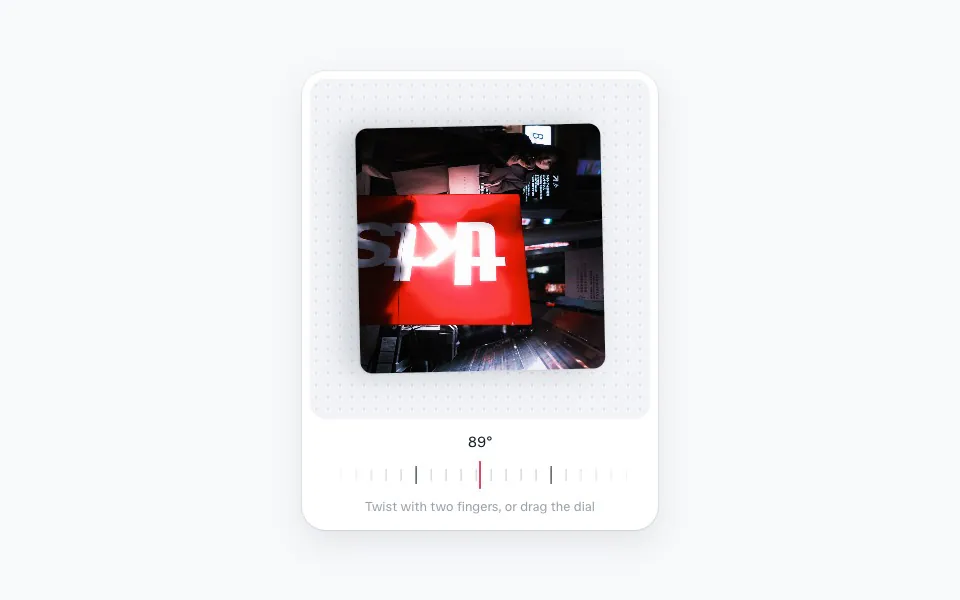 Pinch to rotate
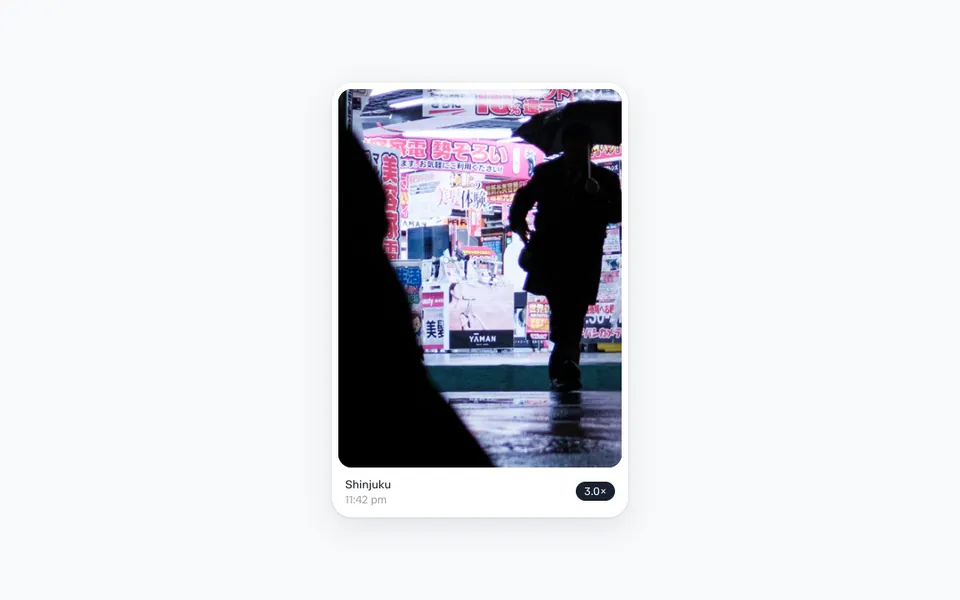 Pinch to zoom
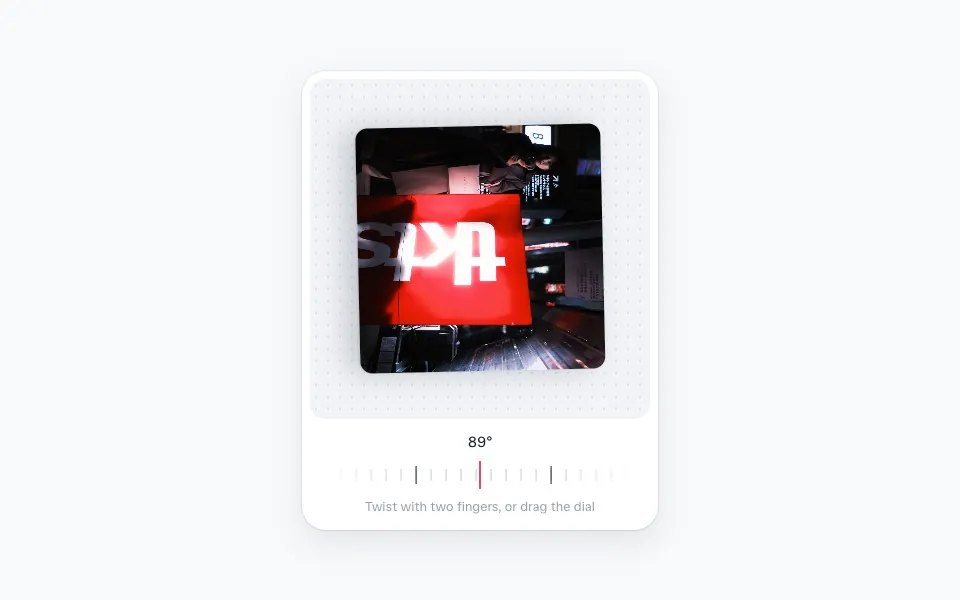 Pinch to rotate