Introduction
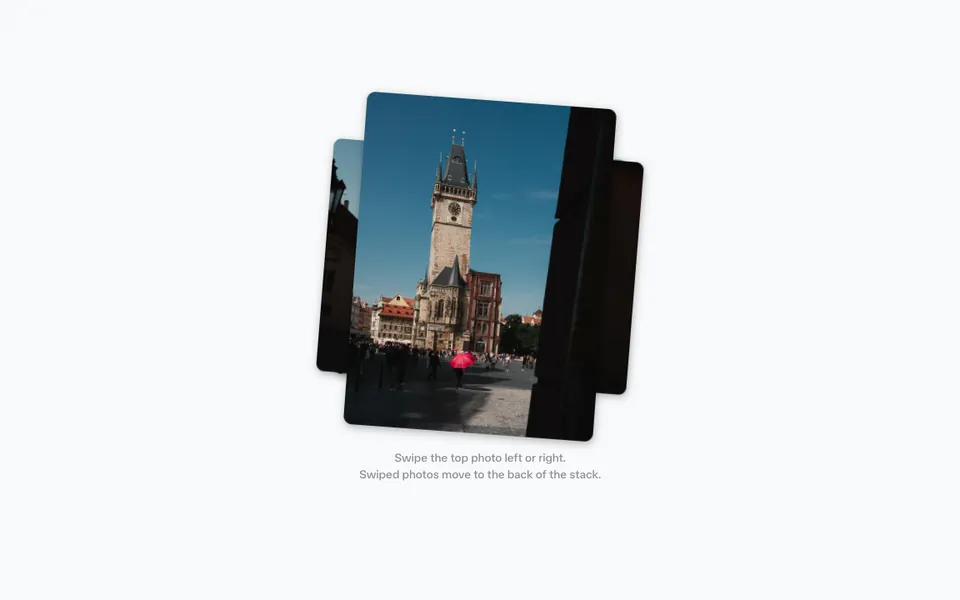
The Image reveal slider example shows how to build an interactive before/after image comparison slider. By dragging a handle left and right, users can reveal or hide a black-and-white overlay to compare two versions of the same image.
This example uses several powerful APIs from Motion: motionValue to track the slider's position, styleEffect to efficiently update styles based on Motion values, mapValue to transform the slider position into CSS properties, and animate to create smooth spring animations when snapping to boundaries or responding to keyboard input. We'll also use clamp to constrain values within boundaries.
The example includes elastic resistance at the edges, keyboard navigation with arrow keys, and smooth spring animations that give the slider a physical, responsive feel.
Get started
Let's start with the basic HTML structure for our image comparison UI:
<div class="container" id="container">
    <div class="image-container">
        <img src="your-image.jpg" alt="Image" class="image" />
        <img
            src="your-image-b.jpg"
            alt="Image in black and white"
            class="image overlay"
            id="overlay"
        />
    </div>

    <div class="slider" id="slider" tabindex="0">
        <div class="handle">/** Copy icon from example source code */</div>
    </div>
</div>

<style>
    /** Copy styles from example source code */
</style>

<script type="module">
    // We'll add Motion code here
</script>
The key to this effect is layering two images on top of each other. The bottom image shows the full-color version, while the top image has a filter: grayscale(100%) applied. We'll use clip-path to reveal or hide portions of the grayscale overlay, creating the comparison effect.
The slider element is positioned absolutely over the images and includes a circular handle for dragging. We've added tabindex="0" to make the slider keyboard-accessible.