Introduction
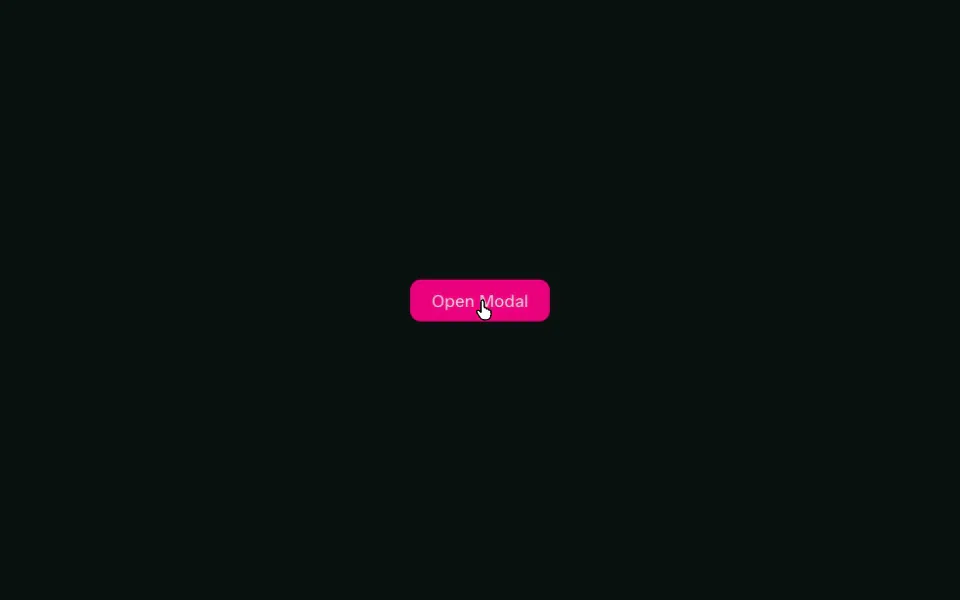
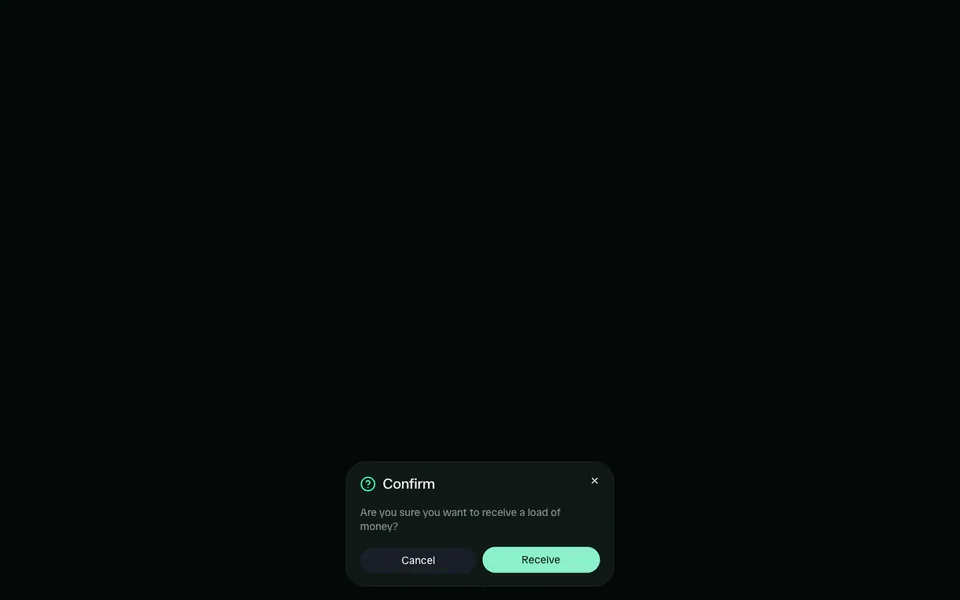
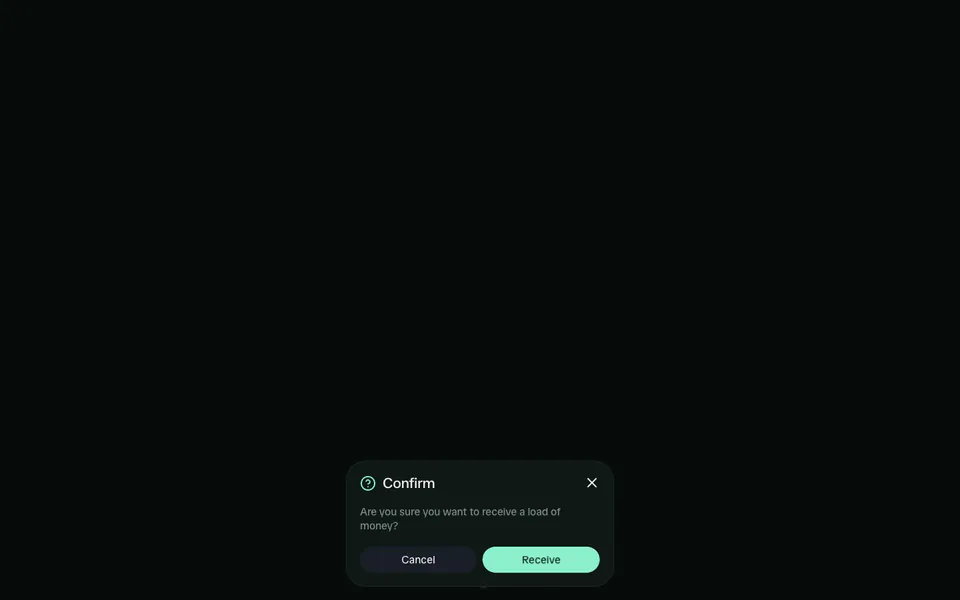
The Modal dialog example shows how to create a smooth, interactive modal using Motion and the HTML <dialog> element. This example uses the animate() function to orchestrate opening and closing animations, hover() to add scale effects on hover, and press() to handle tap interactions. Together, these Motion APIs create a polished modal experience with 3D perspective transforms, backdrop animations, and multiple ways to dismiss the dialog.
Get started
Let's start by creating the modal structure. We'll use the native HTML <dialog> element along with a custom overlay and an open button:
<button class="openButton">Open modal</button>

<div class="overlay"></div>
<dialog class="modal">
    <h2 class="title">Confirm</h2>
    <p>Are you sure you want to become a Motion expert?</p>
    <div class="controls">
        <button class="cancel">Cancel</button>
        <button class="save">Expert me</button>
    </div>
    <button class="closeButton" aria-label="Close">
        /** Copy icon from example source code */
    </button>
</dialog>

<script type="module">
    const openButton = document.querySelector(".openButton")
    const modal = document.querySelector(".modal")
    const overlay = document.querySelector(".overlay")
    const closeButton = modal.querySelector(".closeButton")
    const cancelButton = modal.querySelector(".cancel")
    const saveButton = modal.querySelector(".save")
</script>

<style>
    /** Copy styles from example source code */
</style>
Note that we're using transform-style: preserve-3d on the modal to enable 3D transforms, and we've hidden the default backdrop with ::backdrop { display: none } so we can animate our custom overlay instead.