"use client"

import { motion, useMotionValue, useTransform } from "motion/react"
import { useEffect, useRef, useState } from "react"

export default function App() {
    const ref = useRef<HTMLDivElement>(null)
    const [{ width, height, top, left }, measure] = useElementDimensions(ref)
    const gradientX = useMotionValue(0.5)
    const gradientY = useMotionValue(0.5)
    const background = useTransform(
        () =>
            `conic-gradient(from 0deg at calc(${
                gradientX.get() * 100
            }% - ${left}px) calc(${
                gradientY.get() * 100
            }% - ${top}px), var(--hue-5), var(--hue-1), var(--yellow), var(--hue-5))`
    )

    return (
        <div
            style={{
                position: "absolute",
                inset: 0,
                display: "flex",
                alignItems: "center",
                justifyContent: "center",
            }}
            onPointerMove={(e) => {
                gradientX.set(e.clientX / width)
                gradientY.set(e.clientY / height)
            }}
        >
            <motion.div
                ref={ref}
                style={{
                    background,
                    width: 400,
                    height: 400,
                    borderRadius: 50,
                    cursor: "none",
                }}
                onPointerEnter={() => measure()}
            />
        </div>
    )
}

/**
 * ================  Utils  =========================
 */

function useElementDimensions(
    ref: React.RefObject<HTMLDivElement | null>
): [
    { width: number; height: number; top: number; left: number },
    VoidFunction
] {
    const [size, setSize] = useState({ width: 0, height: 0, top: 0, left: 0 })

    function measure() {
        if (!ref.current) return

        setSize(ref.current.getBoundingClientRect())
    }

    // Note: This won't accurately reflect viewport size changes
    useEffect(() => {
        measure()
    }, [])

    return [size, measure]
}

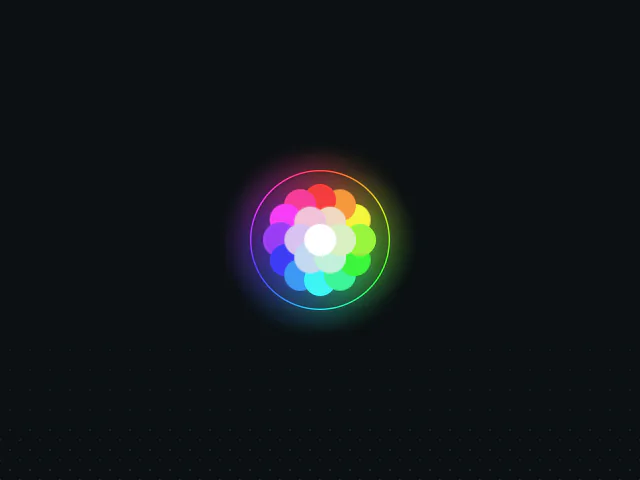 Color picker