"use client"

import { Reorder } from "motion/react"
import { useState } from "react"

/**
 * ==============   Props   ================
 */

interface Props {
    dragScale?: number
    stiffness?: number
    damping?: number
}

/**
 * ==============   Components   ================
 */

export default function ReorderGrid({
    dragScale = 1.08,
    stiffness = 350,
    damping = 30,
}: Props) {
    const [items, setItems] = useState(initialItems)

    return (
        <main className="reorder-stage">
            <Reorder.Group
                as="div"
                values={items}
                onReorder={setItems}
                className="reorder-grid"
                aria-label="Reorderable grid"
            >
                {items.map((item) => (
                    <Reorder.Item
                        as="div"
                        key={item}
                        value={item}
                        className="reorder-item"
                        transition={{
                            type: "spring",
                            stiffness,
                            damping,
                        }}
                        whileDrag={{ scale: dragScale }}
                        style={{
                            backgroundColor: `var(--hue-${(item % 6) + 1})`,
                        }}
                    >
                        {String(item).padStart(2, "0")}
                    </Reorder.Item>
                ))}
            </Reorder.Group>
            <StyleSheet />
        </main>
    )
}

const initialItems = Array.from({ length: 16 }, (_, index) => index + 1)

/**
 * ==============   Styles   ================
 */

function StyleSheet() {
    return (
        <style>{`
            body {
                overflow: hidden;
            }

            .reorder-stage {
                display: flex;
                align-items: center;
                justify-content: center;
                width: 100vw;
                height: 100vh;
                background: var(--background);
                touch-action: none;
            }

            .reorder-grid {
                display: grid;
                grid-template-columns: repeat(4, minmax(0, 1fr));
                gap: 8px;
                width: min(76vw, 420px);
            }

            .reorder-item {
                display: grid;
                place-items: center;
                aspect-ratio: 1;
                color: var(--background);
                cursor: grab;
                font-family: var(--font-mono);
                font-size: clamp(11px, 2.2vw, 15px);
                font-variation-settings: "wght" 600;
                user-select: none;
            }

            .reorder-item:active {
                cursor: grabbing;
            }
        `}</style>
    )
}

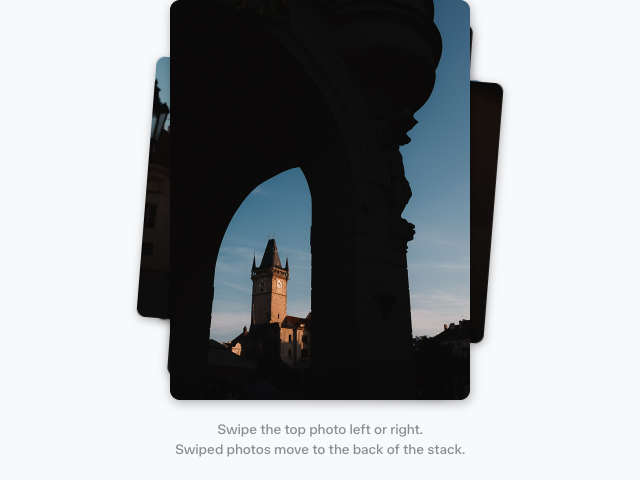 Card stack
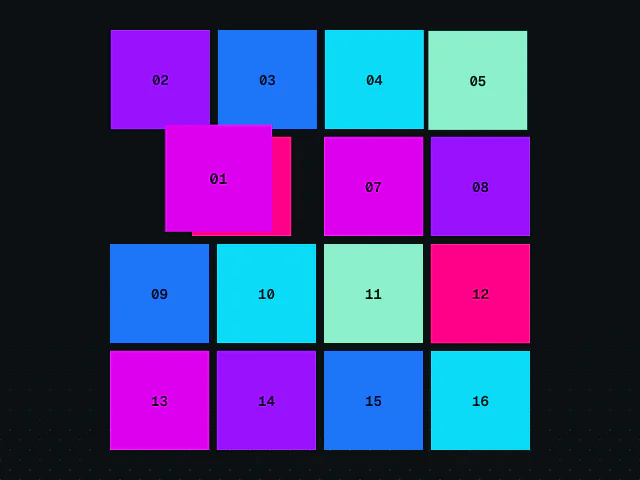 Reorder grid
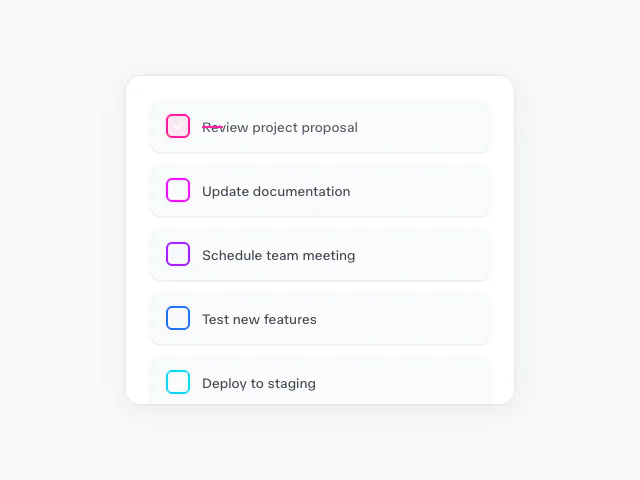 To-do list