<script setup>
import { spring } from 'motion-v'
import { ref } from 'vue'

const state = ref(true)
const ease = spring(0.5, 0.8)
</script>

<template>
    <div class="container">
      <div
        :style="{
            transition: `transform ${ease}`,
            transform: state ? 'translateX(-100%)' : 'translateX(100%) rotate(180deg)',
        }"
        class="box"
      />
      <button class="button" @click="state = !state">
        Toggle position
      </button>
    </div>
</template>

<style>
.container {
    display: flex;
    flex: 1;
    flex-direction: column;
    align-items: center;
    justify-content: center;
}

.box {
    width: 100px;
    height: 100px;
    background-color: var(--hue-6);
    border-radius: 6px;
}

.button {
    margin: 40px;
    padding: 8px 16px;
    background-color: var(--hue-6);
    color: var(--black);
    border-radius: 6px;
}
</style>

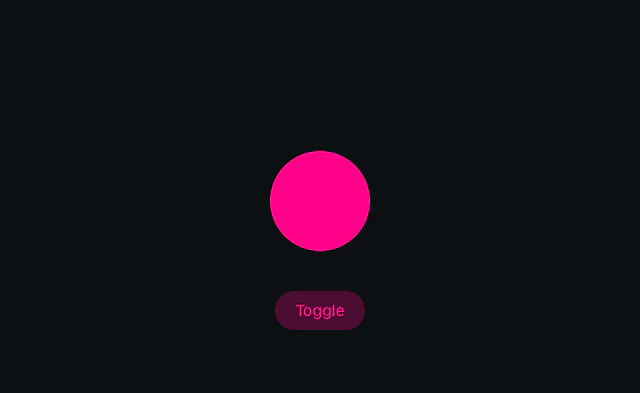 Svelte: Animate on state change
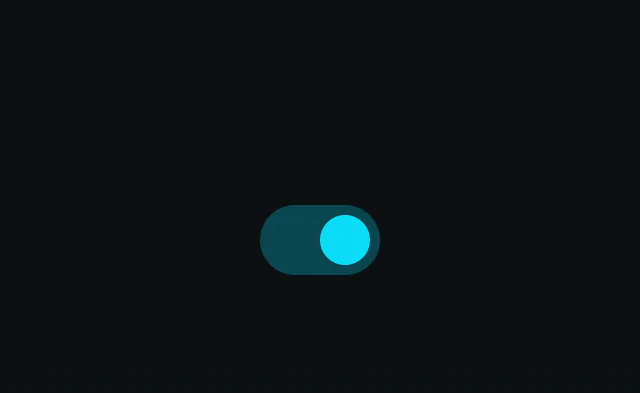 Svelte: Layout animation
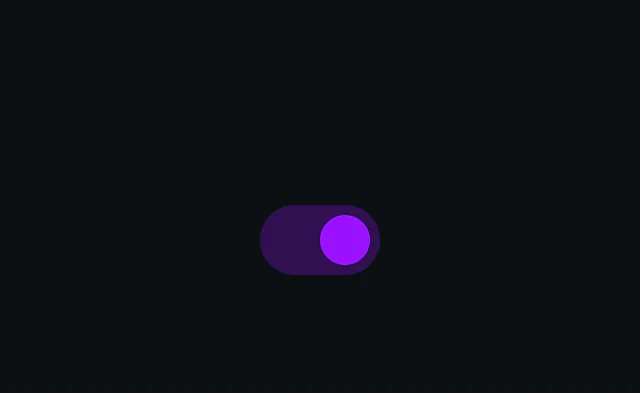 Svelte: View animation