 Drag
DragEnter Animation
<script setup>
import { motion } from 'motion-v'
</script>

<template>
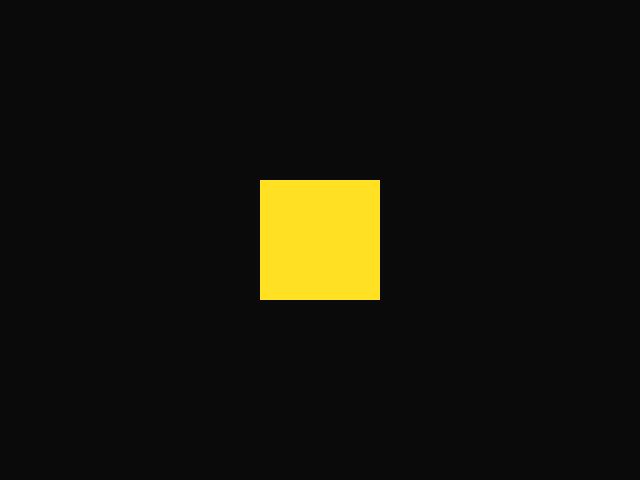
  <motion.div
    :initial="{ opacity: 0, scale: 0 }"
    :animate="{ opacity: 1, scale: 1 }"
    :transition="{
      duration: 0.4,
      scale: { type: 'spring', visualDuration: 0.4, bounce: 0.5 }
    }"
    class="ball" />
</template>

<style>
.ball {
  width: 100px;
  height: 100px;
  background-color: var(--hue-6);
  border-radius: 50%;
}
</style>