<script setup lang="ts">
import { motion } from 'motion-v'

const draw = {
  hidden: { pathLength: 0, opacity: 0 },
  visible: (i) => {
    const delay = i * 0.5
    return {
      pathLength: 1,
      opacity: 1,
      transition: {
        pathLength: { delay, type: "spring", duration: 1.5, bounce: 0 },
        opacity: { delay, duration: 0.01 },
      },
    }
  },
}

/**
 * ==============   Styles   ================
 */

const image = {
  display: "block",
  margin: "0 auto",
  maxWidth: "80vw",
}

const shape = {
  strokeWidth: 10,
  strokeLinecap: "round",
  fill: "transparent",
}
</script>

<template>
  <motion.svg
    width="600"
    height="600"
    viewBox="0 0 600 600"
    initial="hidden"
    animate="visible"
    :style="image"
  >
    <motion.circle
      class="circle-path"
      cx="100"
      cy="100"
      r="80"
      stroke="#ff0088"
      :variants="draw"
      :custom="1"
      :style="shape"
    />
    <motion.line
      x1="220"
      y1="30"
      x2="360"
      y2="170"
      stroke="#4ff0b7"
      :variants="draw"
      :custom="2"
      :style="shape"
    />
    <motion.line
      x1="220"
      y1="170"
      x2="360"
      y2="30"
      stroke="#4ff0b7"
      :variants="draw"
      :custom="2.5"
      :style="shape"
    />
    <motion.rect
      width="140"
      height="140"
      x="410"
      y="30"
      rx="20"
      stroke="#0d63f8"
      :variants="draw"
      :custom="3"
      :style="shape"
    />
    <motion.circle
      cx="100"
      cy="300"
      r="80"
      stroke="#0d63f8"
      :variants="draw"
      :custom="2"
      :style="shape"
    />
    <motion.line
      x1="220"
      y1="230"
      x2="360"
      y2="370"
      stroke="#ff0088"
      :custom="3"
      :variants="draw"
      :style="shape"
    />
    <motion.line
      x1="220"
      y1="370"
      x2="360"
      y2="230"
      stroke="#ff0088"
      :custom="3.5"
      :variants="draw"
      :style="shape"
    />
    <motion.rect
      width="140"
      height="140"
      x="410"
      y="230"
      rx="20"
      stroke="#4ff0b7"
      :custom="4"
      :variants="draw"
      :style="shape"
    />
    <motion.circle
      cx="100"
      cy="500"
      r="80"
      stroke="#4ff0b7"
      :variants="draw"
      :custom="3"
      :style="shape"
    />
    <motion.line
      x1="220"
      y1="430"
      x2="360"
      y2="570"
      stroke="#0d63f8"
      :variants="draw"
      :custom="4"
      :style="shape"
    />
    <motion.line
      x1="220"
      y1="570"
      x2="360"
      y2="430"
      stroke="#0d63f8"
      :variants="draw"
      :custom="4.5"
      :style="shape"
    />
    <motion.rect
      width="140"
      height="140"
      x="410"
      y="430"
      rx="20"
      stroke="#ff0088"
      :variants="draw"
      :custom="5"
      :style="shape"
    />
  </motion.svg>
</template>

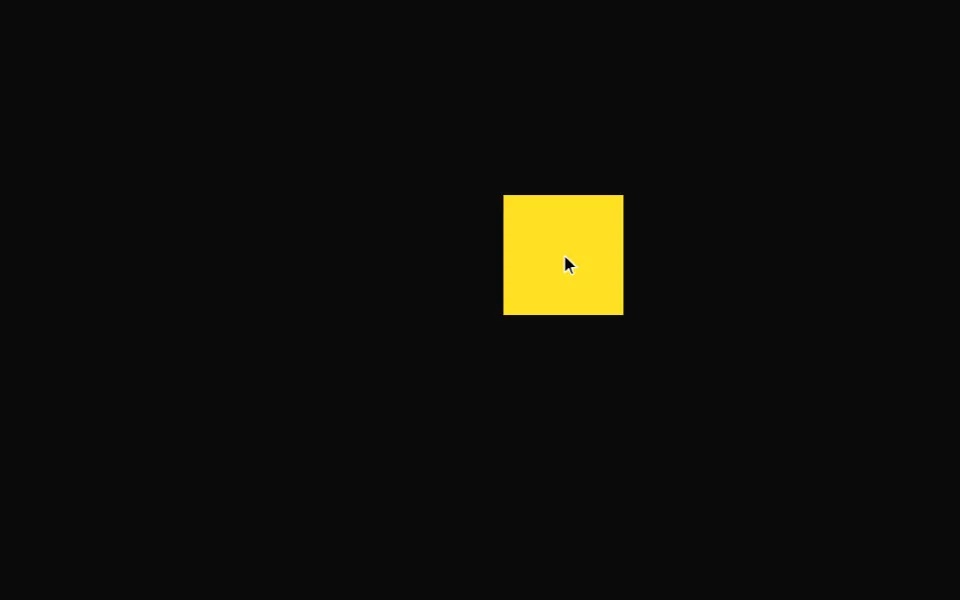 Drag
Drag