Introduction
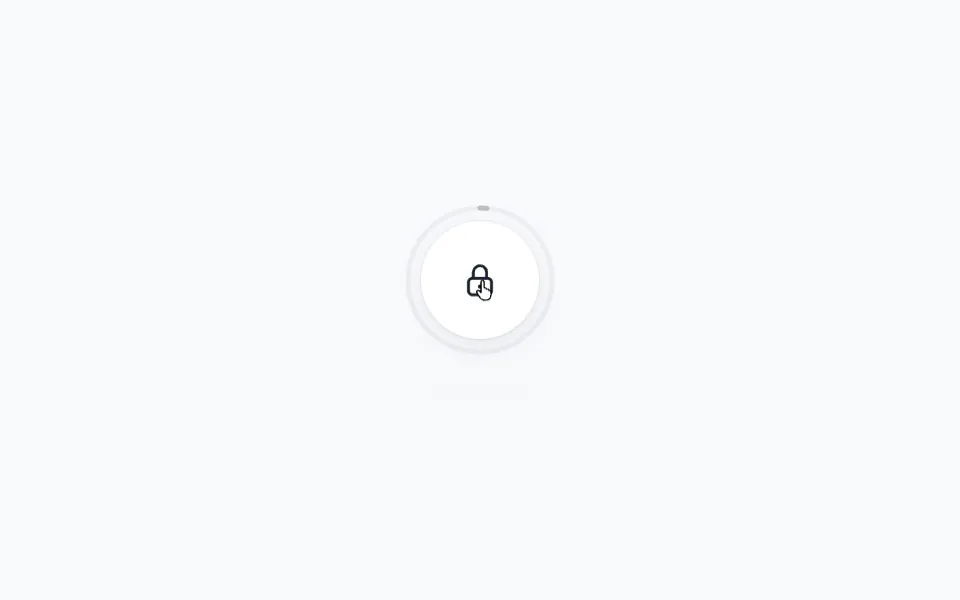
The Floating Target example creates a rotating button that reacts to your cursor with a smooth spring animation. As well as creating a custom usePointerReaction hook, we'll use several Motion APIs:
- The
usePointerPositionhook from Motion+ for tracking cursor position. - The
useTransformanduseSpringhooks for smooth cursor following. - The
useAnimatehook for continuous rotation. - The
Cursorcomponent from Motion+ for custom cursor effects. - Motion variants for hover and press animations.
Get started
Let's start with the basic structure and styling:
"use client"

import { Cursor, usePointerPosition } from "motion-plus/react"
import {
    motion,
    transform,
    useAnimate,
    useSpring,
    useTransform,
} from "motion/react"
import { useEffect, useState } from "react"

export default function CursorFloatingTarget() {
    return (
        <>
            <div className="decorative-title">Amsterdam</div>

            <motion.button className="target">
                <motion.div className="target-circle">
                    <motion.div className="fill-circle" />
                </motion.div>
                <motion.div className="text">View project</motion.div>
            </motion.button>

            <Stylesheet />
        </>
    )
}

function Stylesheet() {
    /** Copy from example */
}
This gives us the basic structure with a decorative title, a circular target button, and all the necessary styling. The target has a border circle and a fill circle that will animate on hover, plus text that will rotate continuously.