"use client"

import * as motion from "motion/react-client"
import { useRef } from "react"

export default function DragConstraints() {
    const constraintsRef = useRef<HTMLDivElement>(null)

    return (
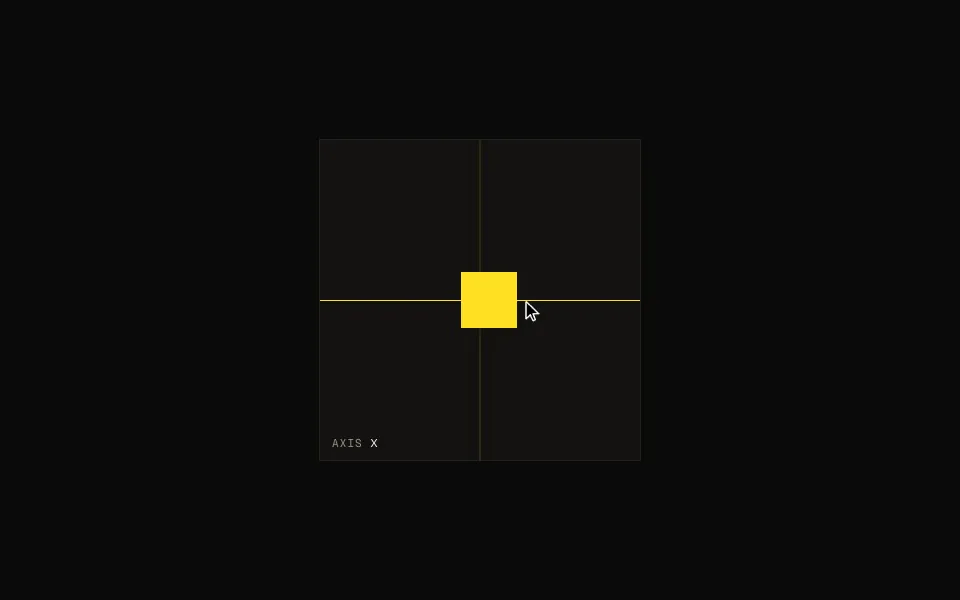
        <motion.div ref={constraintsRef} style={constraints}>
            <motion.div
                drag
                dragConstraints={constraintsRef}
                dragElastic={0.2}
                style={box}
            />
        </motion.div>
    )
}

/**
 * ==============   Styles   ================
 */

const constraints = {
    width: 300,
    height: 300,
    backgroundColor: "var(--hue-1-transparent)",
    borderRadius: 10,
}

const box = {
    width: 100,
    height: 100,
    backgroundColor: "var(--hue-1)",
    borderRadius: 10,
}

 Drag
Drag