"use client"

import * as motion from "motion/react-client"
import { useState } from "react"
export default function Drag() {
    const [activeDirection, setActiveDirection] = useState<"x" | "y" | null>(
        null
    )

    return (
        <>
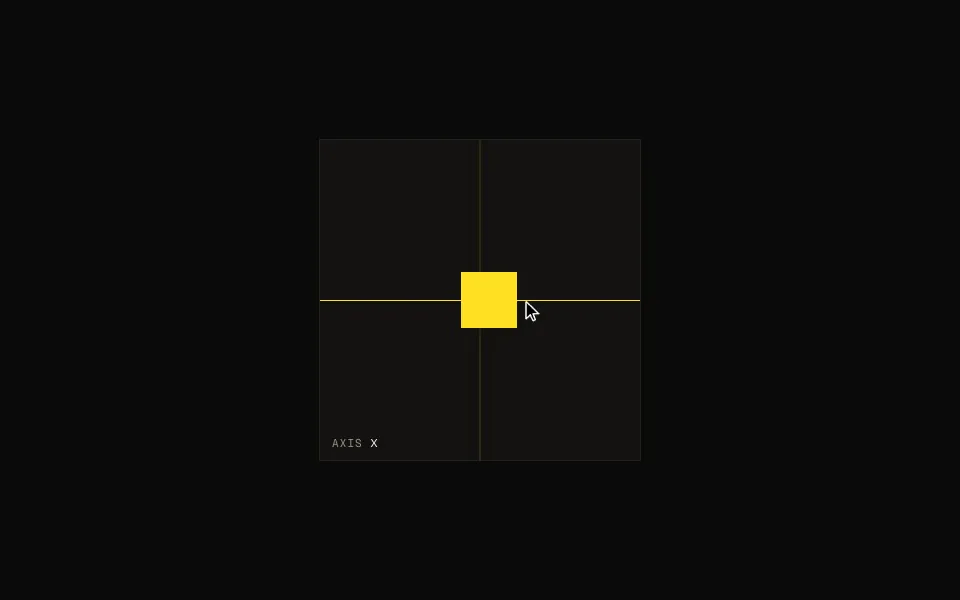
            <Line direction="x" activeDirection={activeDirection} />
            <Line direction="y" activeDirection={activeDirection} />
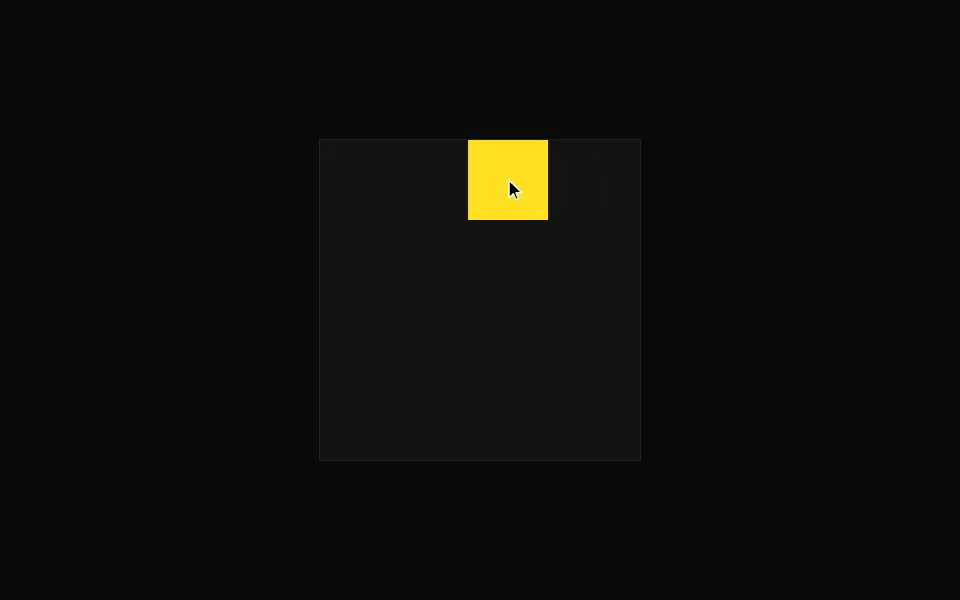
            <motion.div
                drag
                dragDirectionLock
                onDirectionLock={(direction) => setActiveDirection(direction)}
                onDragEnd={() => setActiveDirection(null)}
                dragConstraints={{ top: 0, right: 0, bottom: 0, left: 0 }}
                dragTransition={{ bounceStiffness: 500, bounceDamping: 15 }}
                dragElastic={0.2}
                whileDrag={{ cursor: "grabbing" }}
                style={box}
            />
        </>
    )
}

function Line({
    direction,
    activeDirection,
}: {
    direction: "x" | "y"
    activeDirection: "x" | "y" | null
}) {
    return (
        <motion.div
            initial={false}
            animate={{ opacity: activeDirection === direction ? 1 : 0.3 }}
            transition={{ duration: 0.1 }}
            style={{ ...line, rotate: direction === "y" ? 90 : 0 }}
        />
    )
}

/**
 * ==============   Styles   ================
 */

const box: React.CSSProperties = {
    width: 52,
    height: 52,
    border: "1px solid var(--white)",
    position: "absolute",
}

const line: React.CSSProperties = {
    width: 300,
    height: 1,
    borderTop: "1px dashed var(--white)",
    position: "absolute",
}

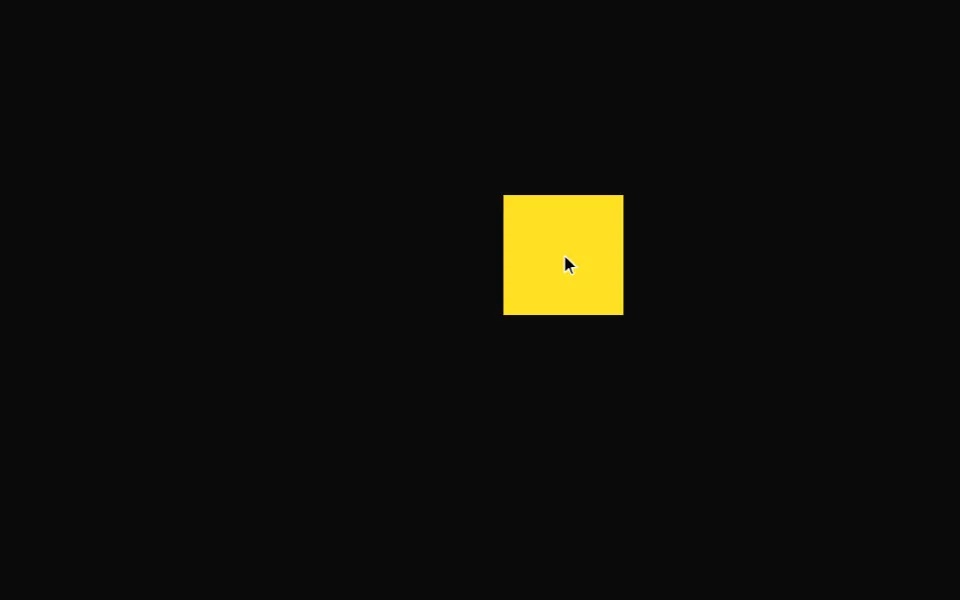 Drag
Drag