<script setup>
import { ref } from 'vue'
import { AnimatePresence, motion } from 'motion-v'
const isVisible = ref(true)
</script>

<template>
  <div class="container">
    <AnimatePresence :initial="false">
      <motion.div
        v-if="isVisible"
        :initial="{ opacity: 0, scale: 0 }"
        :animate="{ opacity: 1, scale: 1 }"
        :exit="{ opacity: 0, scale: 0 }"
        class="box"
        key="box"
      />
    </AnimatePresence>
    <motion.button
      class="button"
      @click="isVisible = !isVisible"
      :whilePress="{ y: 1 }"
    >
      {{ isVisible ? 'Hide' : 'Show' }}
    </motion.button>
  </div>
</template>

<style>
.container {
  display: flex;
  flex-direction: column;
  width: 100px;
  height: 160px;
  position: relative;
}

.box {
  width: 100px;
  height: 100px;
  background-color: var(--hue-5);
  border-radius: 10px;
}

.button {
  background-color: var(--hue-5);
  border-radius: 10px;
  padding: 10px 20px;
  color: var(--black);
  position: absolute;
  bottom: 0;
  left: 0;
  right: 0;
}
</style>

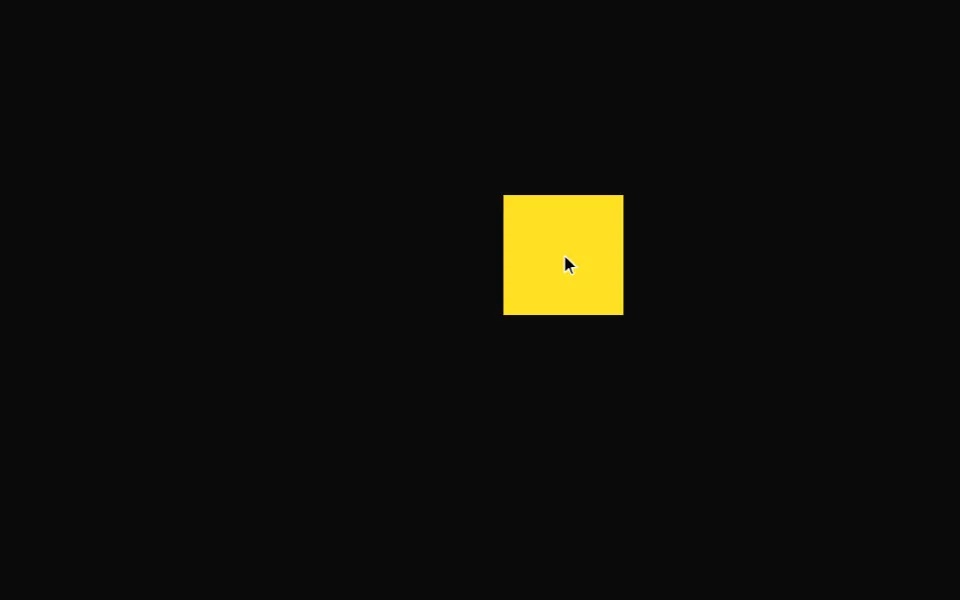 Drag
Drag