Introduction
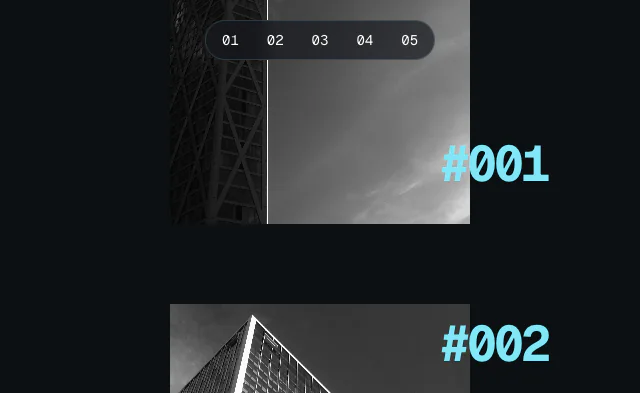
The Scroll Image Reveal example shows how to create a curtain reveal effect where images dramatically unveil themselves as you scroll. The effect combines a horizontal clip-path reveal that opens from the center with a subtle parallax effect on the images themselves.
This example uses three Motion hooks: useScroll to track each image's position in the viewport, useTransform to map scroll progress to clip-path values and transform properties, and useRef to target individual elements for scroll tracking.
Get started
We'll create a reusable RevealImage component that handles the scroll-linked animation. Start with this structure:
"use client"

import { useRef } from "react"

function RevealImage({ src, alt, aspectRatio }) {
    const ref = useRef(null)

    return (
        <div ref={ref} className="reveal-container">
            <div className="reveal-mask" style={{ aspectRatio }}>
                <img src={src} alt={alt} />
            </div>
        </div>
    )
}

export default function ScrollImageReveal() {
    return (
        <div id="example">
            <RevealImage
                src="your-image-1.jpg"
                alt="Image 1"
                aspectRatio="666 / 500"
            />

            <RevealImage
                src="your-image-2.jpg"
                alt="Image 2"
                aspectRatio="667 / 500"
            />

            <RevealImage
                src="your-image-3.jpg"
                alt="Image 3"
                aspectRatio="375 / 500"
            />

            <section className="spacer" />

            <StyleSheet />
        </div>
    )
}

function StyleSheet() {
    return (
        <style>
            /** Copy styles from example source code */
        </style>
    )
}
The ref on the container will let us track each image's scroll position individually. The aspect ratio prop ensures each image maintains its dimensions.