<script setup lang="tsx">
/** @jsxImportSource vue */
import { motion, useScroll, useSpring, useTransform } from 'motion-v'
import { ref,defineComponent } from 'vue'

function useParallax(value, distance) {
  return useTransform(value, [0, 1], [-distance, distance])
}


const Image = defineComponent({
  props: {
    id: {
      type: Number,
      required: true
    }
  },
  setup(props) {
    const targetRef = ref(null)
    const { scrollYProgress } = useScroll({ target: targetRef })
    const y = useParallax(scrollYProgress, 300)

    return () => (
      <section class="img-container">
        <div ref={targetRef}>
          <img
            src={`/photos/cityscape/${props.id}.jpg`}
            alt="A London skyscraper"
          />
        </div>
        <motion.h2
          // Hide until scroll progress is measured
          initial={{ visibility: "hidden" }}
          animate={{ visibility: "visible" }}
          style={{ y }}
        >{`#00${props.id}`}</motion.h2>
      </section>
    )
  }
})
const progress = useSpring(useScroll().scrollYProgress, {
        stiffness: 100,
        damping: 30,
        restDelta: 0.001
      })
</script>

<template>
  <div id="example">
    <Image v-for="image in [1, 2, 3, 4, 5]" :key="image" :id="image" />
    <motion.div
      class="progress"
      :style="{ scaleX: progress }"
    />
  </div>
</template>

<style>
html {
  scroll-snap-type: y mandatory;
}

.img-container {
  height: 100vh;
  scroll-snap-align: start;
  display: flex;
  justify-content: center;
  align-items: center;
  position: relative;
}

.img-container > div {
  width: 300px;
  height: 400px;
  margin: 20px;
  background: #f5f5f5;
  overflow: hidden;
}

.img-container img {
  width: 300px;
  height: 400px;
}

@media (max-width: 500px) {
  .img-container > div {
    width: 150px;
    height: 200px;
  }

  .img-container img {
    width: 150px;
    height: 200px;
  }
}

.img-container h2 {
  color: #4ff0b7;
  margin: 0;
  font-family: "Geist Mono", monospace;
  font-size: 50px;
  font-weight: 700;
  letter-spacing: -3px;
  line-height: 1.2;
  position: absolute;
  display: inline-block;
  top: calc(50% - 25px);
  left: calc(50% + 120px);
}

.progress {
  position: fixed;
  left: 0;
  right: 0;
  height: 5px;
  background: #4ff0b7;
  bottom: 50px;
  transform: scaleX(0);
}
</style>

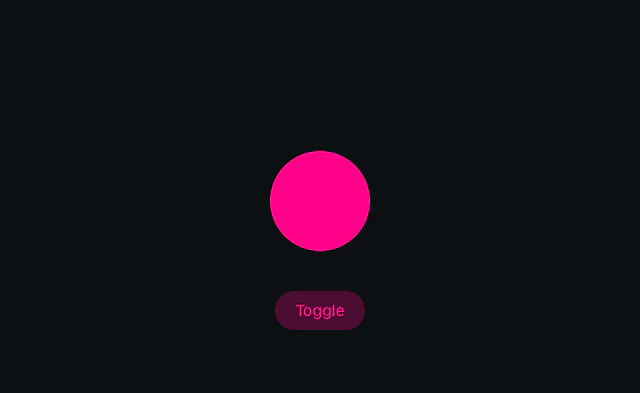 Svelte: Animate on state change
 Svelte: Layout animation
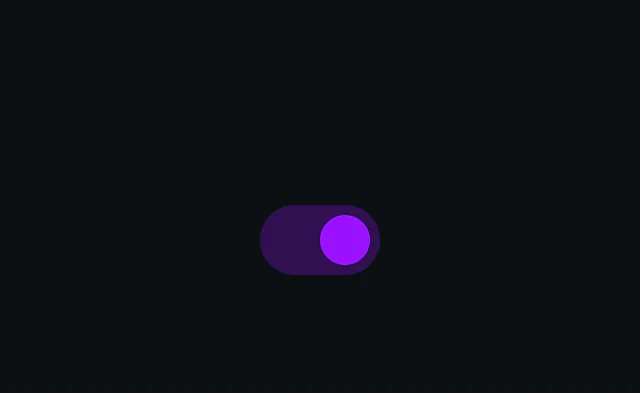 Svelte: View animation