"use client"

import { motion, useMotionValue, useTransform } from "motion/react"

export default function UseTransform() {
    const x = useMotionValue(0)
    const xInput = [-100, 0, 100]
    const background = useTransform(x, xInput, [
        "linear-gradient(180deg, #ff008c 0%, rgb(211, 9, 225) 100%)",
        "linear-gradient(180deg, #7700ff 0%, rgb(68, 0, 255) 100%)",
        "linear-gradient(180deg, rgb(230, 255, 0) 0%, rgb(3, 209, 0) 100%)",
    ])
    const color = useTransform(x, xInput, [
        "rgb(211, 9, 225)",
        "rgb(68, 0, 255)",
        "rgb(3, 209, 0)",
    ])
    const tickPath = useTransform(x, [10, 100], [0, 1])
    const crossPathA = useTransform(x, [-10, -55], [0, 1])
    const crossPathB = useTransform(x, [-50, -100], [0, 1])

    return (
        <div>
            <motion.div style={{ ...container, background }}>
                <motion.div
                    className="icon-container"
                    style={{ ...box, x }}
                    drag="x"
                    dragConstraints={{ left: 0, right: 0 }}
                    dragElastic={0.5}
                >
                    <svg className="progress-icon" viewBox="0 0 50 50">
                        <motion.path
                            fill="none"
                            strokeWidth="2"
                            stroke={color}
                            d="M 0, 20 a 20, 20 0 1,0 40,0 a 20, 20 0 1,0 -40,0"
                            style={{
                                x: 5,
                                y: 5,
                            }}
                        />
                        <motion.path
                            id="tick"
                            fill="none"
                            strokeWidth="2"
                            stroke={color}
                            d="M14,26 L 22,33 L 35,16"
                            strokeDasharray="0 1"
                            style={{ pathLength: tickPath }}
                        />
                        <motion.path
                            fill="none"
                            strokeWidth="2"
                            stroke={color}
                            d="M17,17 L33,33"
                            strokeDasharray="0 1"
                            style={{ pathLength: crossPathA }}
                        />
                        <motion.path
                            id="cross"
                            fill="none"
                            strokeWidth="2"
                            stroke={color}
                            d="M33,17 L17,33"
                            strokeDasharray="0 1"
                            style={{ pathLength: crossPathB }}
                        />
                    </svg>
                </motion.div>
            </motion.div>
        </div>
    )
}

/**
 * ==============   Styles   ================
 */

const box = {
    width: 140,
    height: 140,
    backgroundColor: "var(--white)",
    borderRadius: 20,
    padding: 20,
}

const container: React.CSSProperties = {
    display: "flex",
    justifyContent: "center",
    alignItems: "center",
    flex: 1,
    width: 500,
    height: 300,
    maxWidth: "100%",
    borderRadius: 20,
}

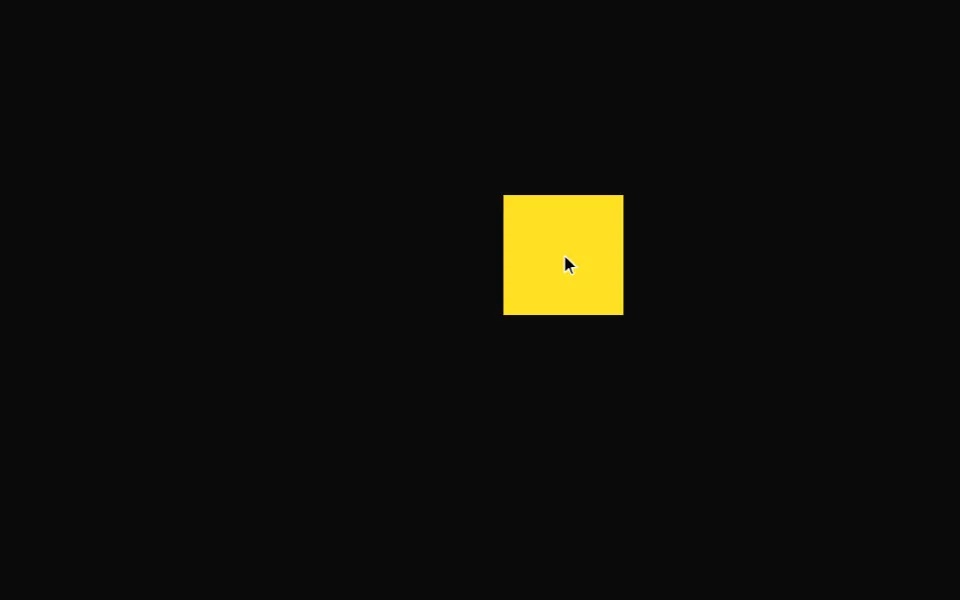 Drag
Drag