Documentation

Documentation

ScrambleText

This feature is available with Motion+

This feature is available with Motion+

This feature is available with Motion+

Checking Motion+ status…

ScrambleText

is exclusive to Motion+

300+ examples & 40+ tutorials

Premium APIs

Motion Studio editing tools

alpha

Discord community

Early access

Lifetime updates

One-time payment, lifetime updates

Already joined?

Checking Motion+ status…

ScrambleText

is exclusive to Motion+

300+ examples & 40+ tutorials

Premium APIs

Motion Studio editing tools

alpha

Discord community

Early access

Lifetime updates

One-time payment, lifetime updates

Already joined?

Checking Motion+ status…

ScrambleText

is exclusive to Motion+

300+ examples & 40+ tutorials

Premium APIs

Motion Studio editing tools

alpha

Discord community

Early access

Lifetime updates

One-time payment, lifetime updates

Already joined?

ScrambleText is a 1kb React component for creating scramble text animations.

Unlike most scramble text implementations, ScrambleText uses Motion for React's motion value rendering to avoid React re-renders.

<ScrambleText>{text}</ScrambleText>

ScrambleText is exclusive to Motion+ members. Motion+ is a one-time payment, lifetime membership that unlocks exclusive components, premium examples and access to a private Discord community.

Features

  • Stagger: Use Motion's stagger function for both delay and duration to create letter-by-letter reveal effects.

  • Performant: Renders via Motion's high-performance animation loop, skipping React re-renders.

  • Playback control: Toggle the active prop to start/stop scrambling, perfect for hover effects or scroll-triggered animations.

  • Customisable characters: Use the default alphanumeric set, or provide custom characters (including emoji).

Install

First, add the motion-plus package to your project using your private token. You need to be a Motion+ member to generate a private token.

npm install "https://api.motion.dev/registry.tgz?package=motion-plus&version=2.6.1&token=YOUR_AUTH_TOKEN"

Usage

By passing a string as the ScrambleText child, it will animate that text in character by character.

<ScrambleText>Hello world!</ScrambleText>

Stagger

Use Motion's stagger() function to reveal characters one by one:

import { stagger } from "motion"
import { StaggerText } from "motion-plus/react"

// Start scrambling at the same time, reveal after 1
// second, with a 0.05 delay between each character/
<ScrambleText duration={stagger(0.05, { startDelay: 1 })} >
  Hello world!
</ScrambleText>

Delay

Stagger when each character starts scrambling by passing stagger to delay:

// Chars start scrambling one-by-one, all reveal after 1s of scrambling
<ScrambleText delay={stagger(0.1)} duration={1}>
  Hello world!
</ScrambleText>

Direction

Use stagger's from option for controlling the direction of stagger:

<ScrambleText
  delay={stagger(0.05, { from: "center" })}
  duration={0.5}
>
  Hello world!
</ScrambleText>

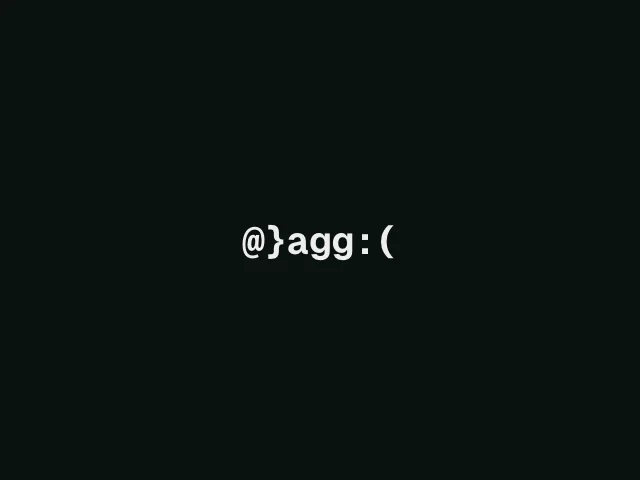
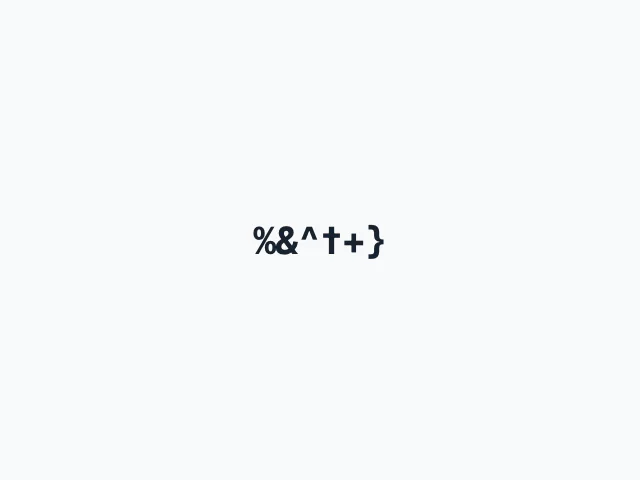
Infinite scramble

By default, text will scramble for 1 second. By setting duration to Infinity, text will scramble for as long as the active prop is true.

function HoverScrambleEffect() {
  const [isHovered, setIsHovered] = useState(false)

  return (
    <ScrambleText
      active={isHovered}
      duration={Infinity}
      onMouseEnter={() => setIsHovered(true)}
      onMouseLeave={() => setIsHovered(false)}
    >
      Hover me!
    </ScrambleText>
  )
}

Custom characters

By default, ScrambleText uses the full alphanumeric character set to scramble text. You can provide other characters as a string or array

// Binary effect
<ScrambleText chars="01" duration={1}>Hello</ScrambleText>

Some useful presets include:

const symbols = "!@#$%^&*()_+-=[]{}|;:,.<>?/~`░▒▓█▀▄■□▪▫●○◆◇◈◊※†‡"
const blocks = "█▓▒░"
const binary = "01"
const hex = "0123456789ABCDEF"
const katakana = "アイウエオカキクケコサシスセソタチツテトナニヌネノハヒフヘホマミムメモヤユヨラリルレロワヲン"
const faces =  ["😀", "😃", "😄", "😁", "😆", "😅", "🤣", "😂", "🙂", "😊"]
const dots = "⠁⠂⠃⠄⠅⠆⠇⠈⠉⠊⠋⠌⠍⠎⠏"

Or, to use only the characters in the provided text content, pass the content itself:

<ScrambleText chars={text}>{text}</ScrambleText>

Playback control

Toggle the active prop to control playback:

<ScrambleText active={active} duration={1}>
  Hello world!
</ScrambleText>

When active becomes false, characters reveal immediately (preserving any stagger offsets).

Related topics

Previous

Cursor

Next

Ticker

Motion+

Motion+

Motion+

Level up your animations with Motion+

Unlock the full vault of 330+ Motion examples, 100+ tutorials, premium APIs, private Discord and GitHub, and powerful Motion Studio animation editing tools for your IDE.

One-time payment, lifetime updates.

Motion is supported by the best in the industry.