Figma Motion is a powerful timeline and AI animation editor in Figma that can export as real Motion code.
Figma also features Motion prominently in Figma Sites and Figma Make, and in this guide learn how to use all of them.
Exporting Figma Motion to code
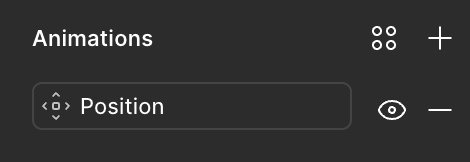
Animations can be added to shapes in Figma by clicking the add (+) button in the Animations panel:
Then, further edited using the timeline editor, which is opened with the Figma Motion button:
A full usage guide can be found on the official Figma Motion docs, but once you're happy with your animation you can jump into Dev Mode.
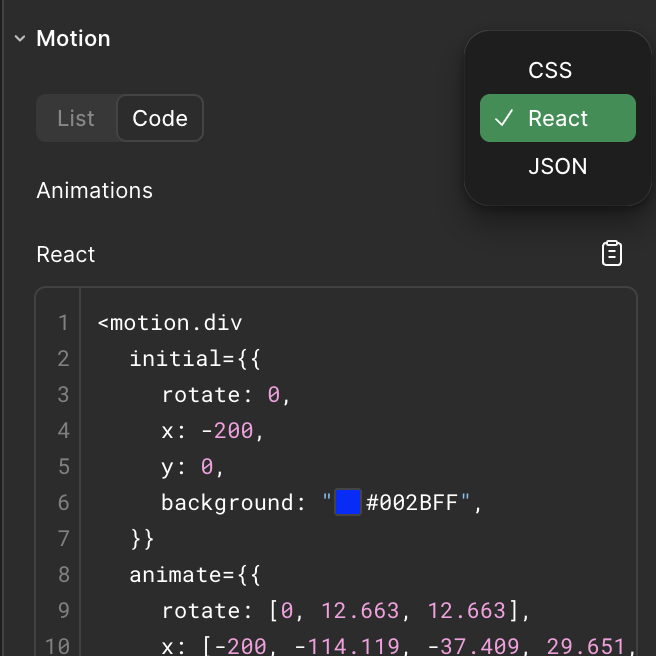
Select your animated layer, and then in the Motion panel select "React". This will present you with fully-valid Motion code that you can copy-paste into your project.
Figma Sites
Figma Sites is a no-code website builder. Motion powers the animations on the websites it publishes.
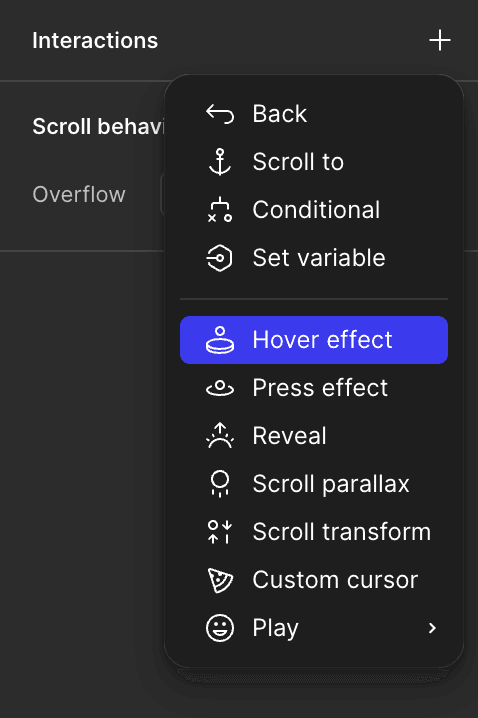
No setup or installation needed - simply add animations like Hover effect or Press effect via the Interactions panel to add real Motion animations.
Figma Make
Figma Make is an AI code generator that can generate React code from text, image, and Figma artboard prompts.
In general, it will produce Motion code simply by asking it to animate something. For instance, you can give it a screenshot of the Motion homepage and tell it to animate:
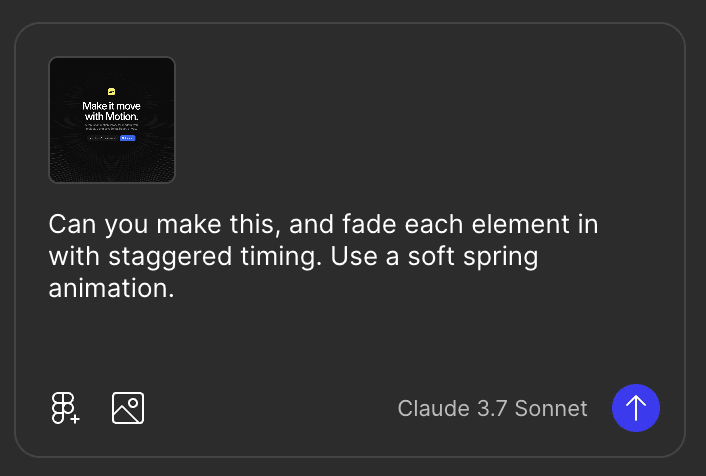
This will produce a code file with Motion already imported:
<motion.div
  className={className}
  variants={container}
  initial="hidden"
  animate="visible"
>
  {words.map((word, index) => (
    <motion.span
      key={index}
      variants={child}
      style={{ display: "inline-block", marginRight: "0.25em" }}
    >
      {word}
    </motion.span>
  ))}
</motion.div>
If your generated Make project doesn't include a motion import then you can either ask the AI to add it for you, or simply add an import to the top of your component:
import { motion } from "motion/react"FAQ
- Does Figma Motion use Motion?
Yes. When you export a Figma Motion animation as React in Dev Mode, you get real, production-ready Motion code that you can paste straight into your project. The animations Figma Sites publishes are also powered by Motion.
- How do I export a Figma Motion animation to code?
Open Dev Mode, select your animated layer, then pick a format in the Motion panel. Choosing "React" gives you Motion code. Figma Motion can also export CSS and JSON.
- Do I need to install Motion to use the exported code?
Yes. The exported React code assumes Motion is already installed in your project. Follow the Motion for React quick start to add it, then paste the code in.
- Why does my exported code import from framer-motion?
Sometimes, because of outdated training data, agents will generate an import from
"framer-motion". This still works and will for many versions to come, but we recommend you change it to"motion/react"to ensure best compatibility with our docs ane examples.- Can I add Motion animations without exporting code?
Yes. Figma Sites publishes real Motion animations with no setup. Add effects like Hover or Press from the Interactions panel and Figma generates the Motion animation for you.