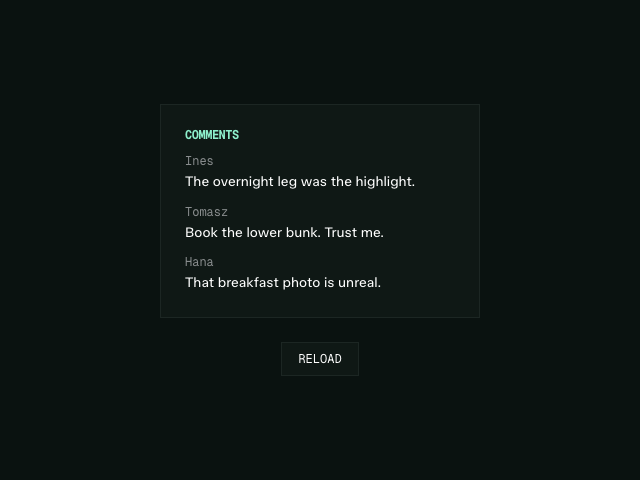
AnimateSuspense is an animated version of React's Suspense component. It allows you to animate a loading fallback out when the content it waits for is ready.
React's Suspense removes its fallback the moment content resolves. AnimateSuspense keeps it in the DOM until its exit animation has finished, the same way AnimatePresence does for removed elements.
<AnimateSuspense
  fallback={
    <motion.div
      initial={{ opacity: 0 }}
      animate={{ opacity: 1 }}
      exit={{ opacity: 0 }}
    >
      Loading...
    </motion.div>
  }
>
  <Comments />
</AnimateSuspense>It also works with server rendering. A fallback that streams from the server is handed over to the client on hydration, so it can still animate out when the streamed content arrives.
AnimateSuspense is exclusive to Motion+ members. Motion+ is a one-time payment, lifetime membership that unlocks Motion UI, premium examples and access to a private Discord community.
Install
First, install Motion UI in your project. You need to be a Motion+ member to generate an access token.
Once installed, AnimateSuspense can be imported via motion-plus/animate-suspense.
import { AnimateSuspense } from "motion-plus/animate-suspense"AnimateSuspense requires motion-plus@4.3.0, motion@14.1.0 and React 18 or above.
Usage
AnimateSuspense shares the same API as Suspense. Replace Suspense with AnimateSuspense, and give the fallback an exit animation.
<AnimateSuspense
  fallback={<motion.div exit={{ opacity: 0 }}>Loading...</motion.div>}
>
  <Comments />
</AnimateSuspense>When Comments suspends, for instance while it loads data with use or a lazy component loads, the fallback renders. When it resolves, the content renders and the fallback plays its exit animation before it's removed.
If the content doesn't suspend, the fallback never mounts, not even for a single frame.
The fallback doesn't need a key. AnimateSuspense adds one for you.